Here’s a polished and professional version of your app description, optimized for clarity, appeal, and user engagement — perfect for an app store listing or promotional page:
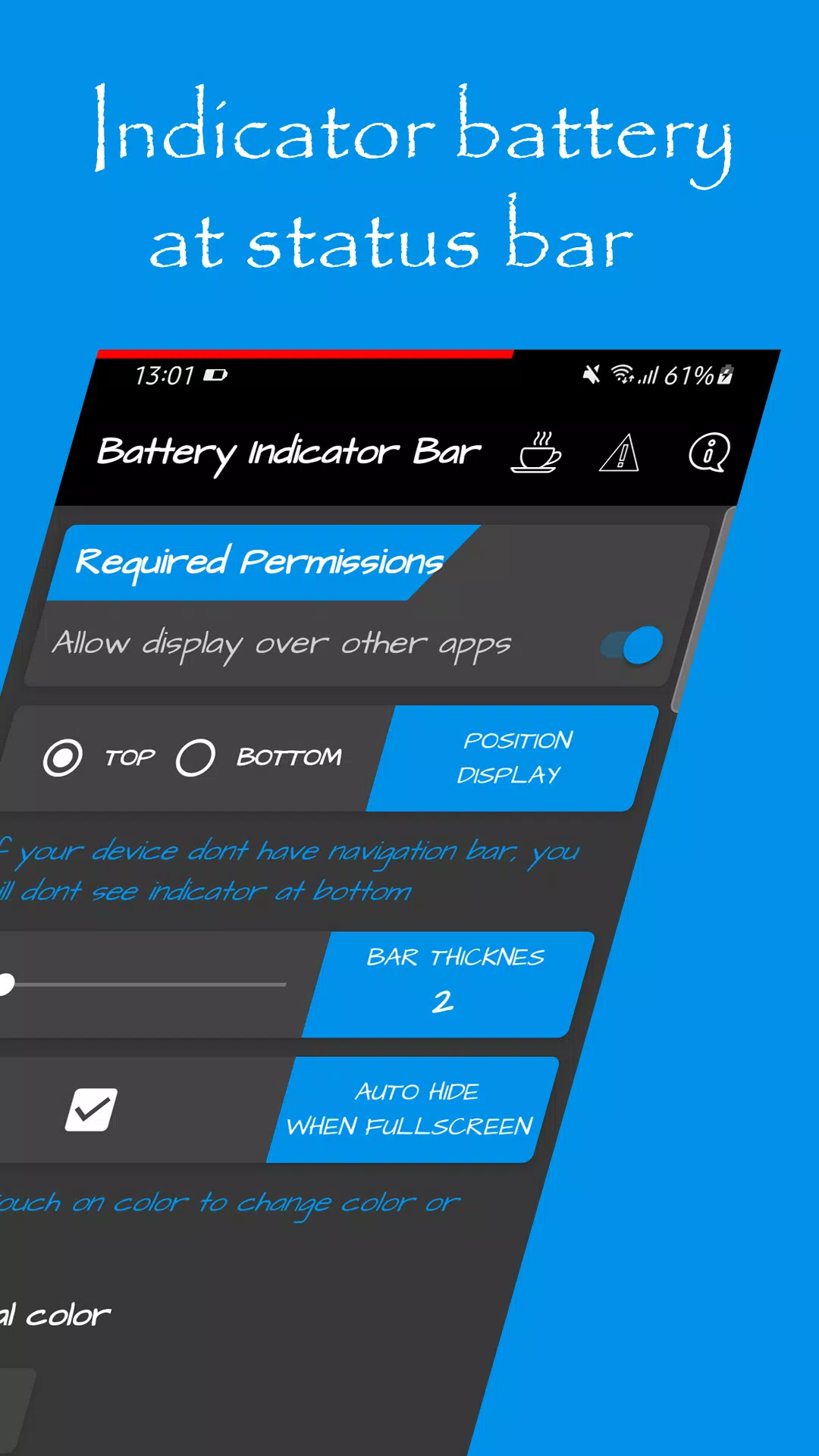
Battery Indicator Bar – Always Know Your Battery, Even in Fullscreen
Tired of interrupting your game or movie just to check your battery level? With Battery Indicator Bar, you’ll always see your battery percentage — without leaving the app.
Whether you’re deep into an intense gaming session, streaming your favorite show, or using any fullscreen app, your battery level is always visible — right on your screen.
Why You’ll Love It:
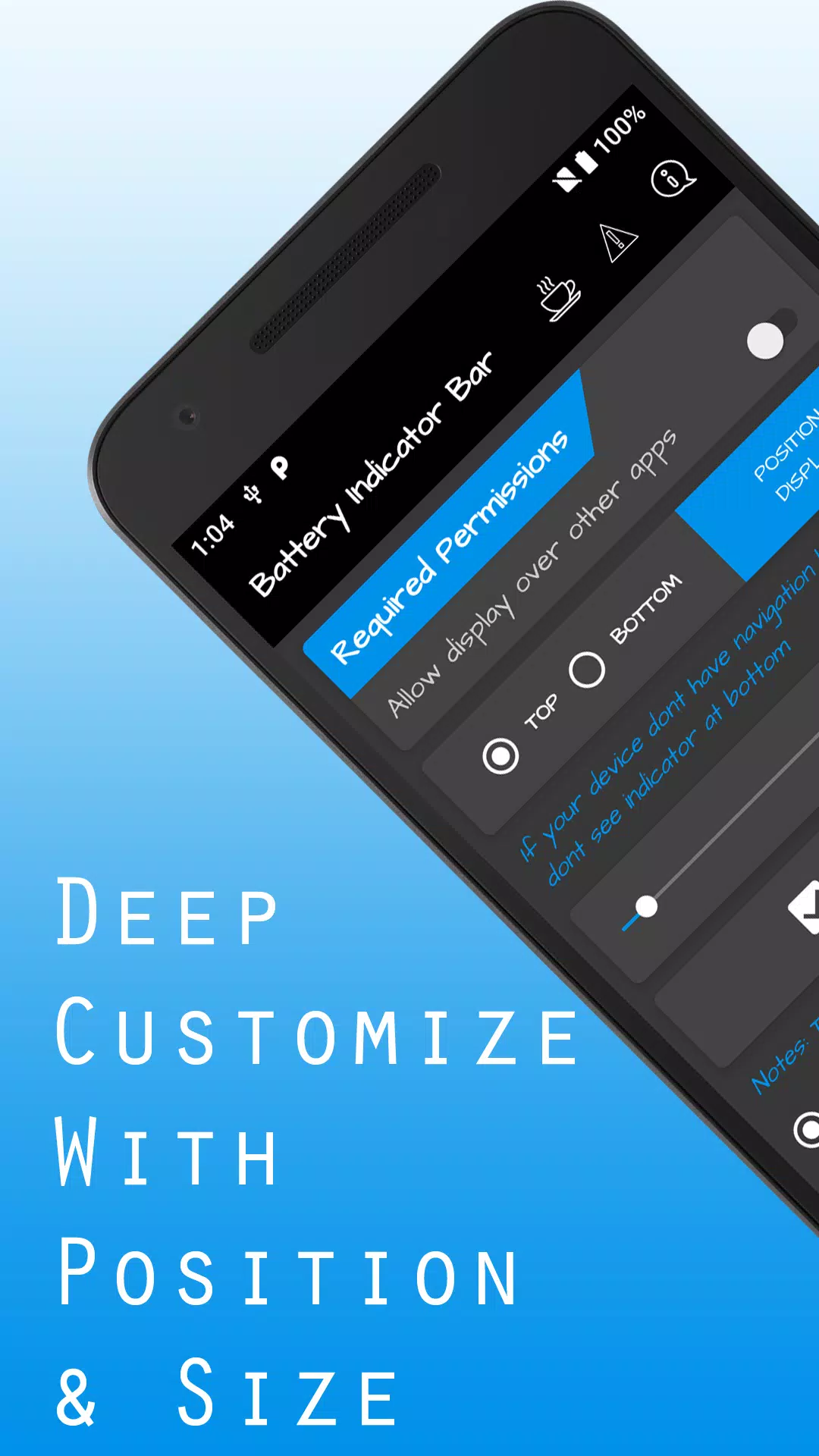
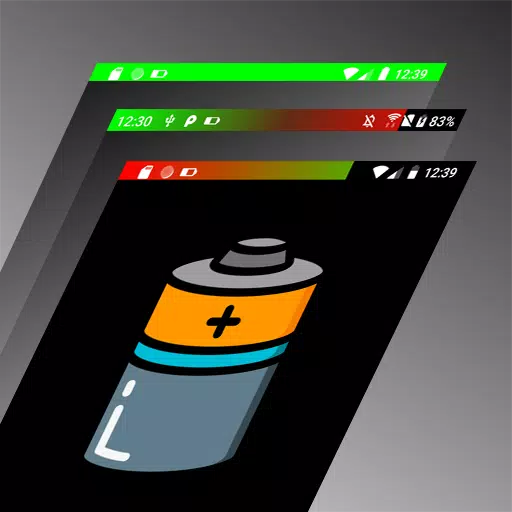
- ✅ Always-On Battery Bar – Displays a clear, real-time battery indicator at the top or bottom of your screen, even over fullscreen apps.
- ✅ Smart Visibility – Automatically hides or shows the bar when another app goes fullscreen — no clutter, no distractions.
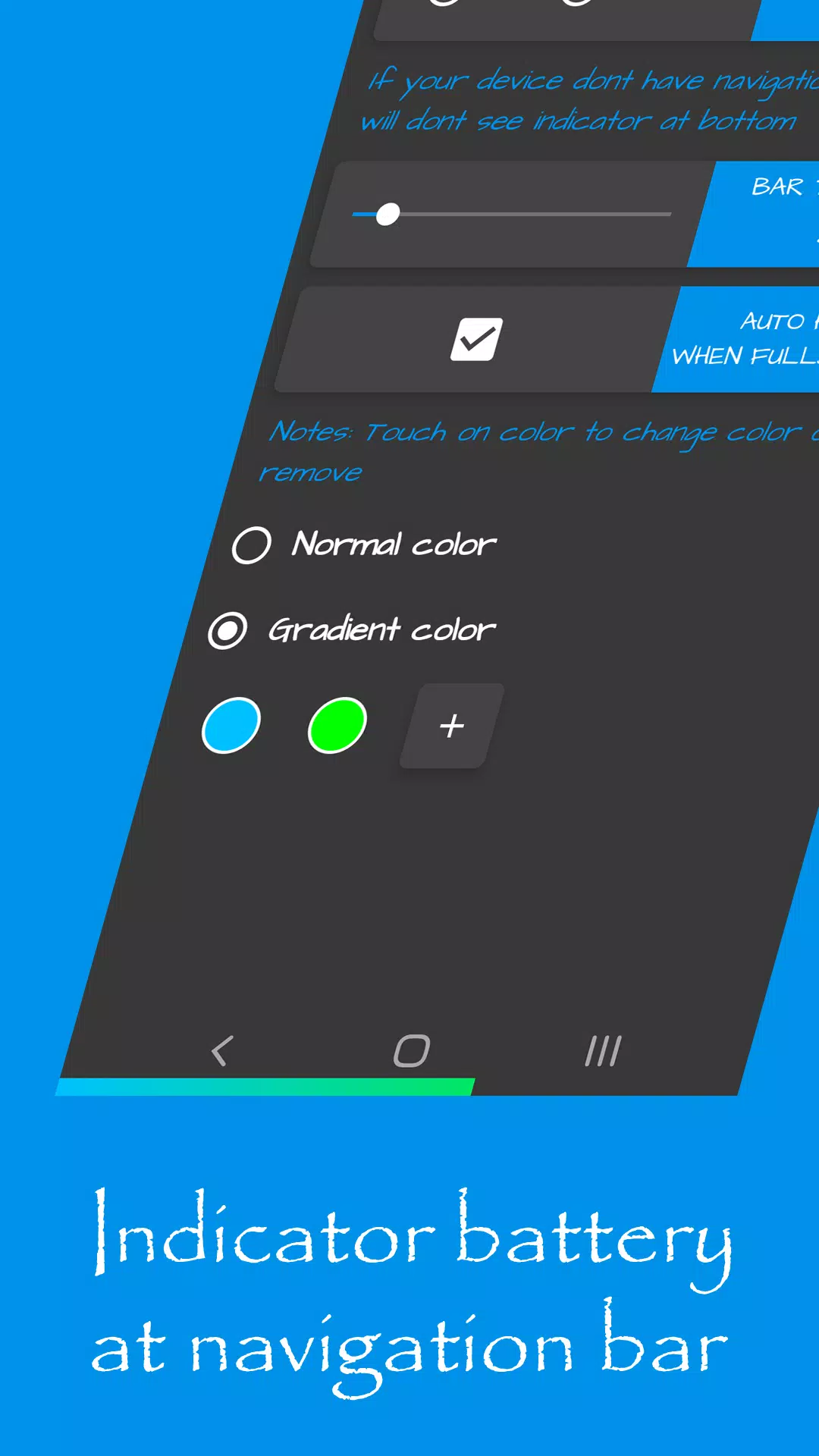
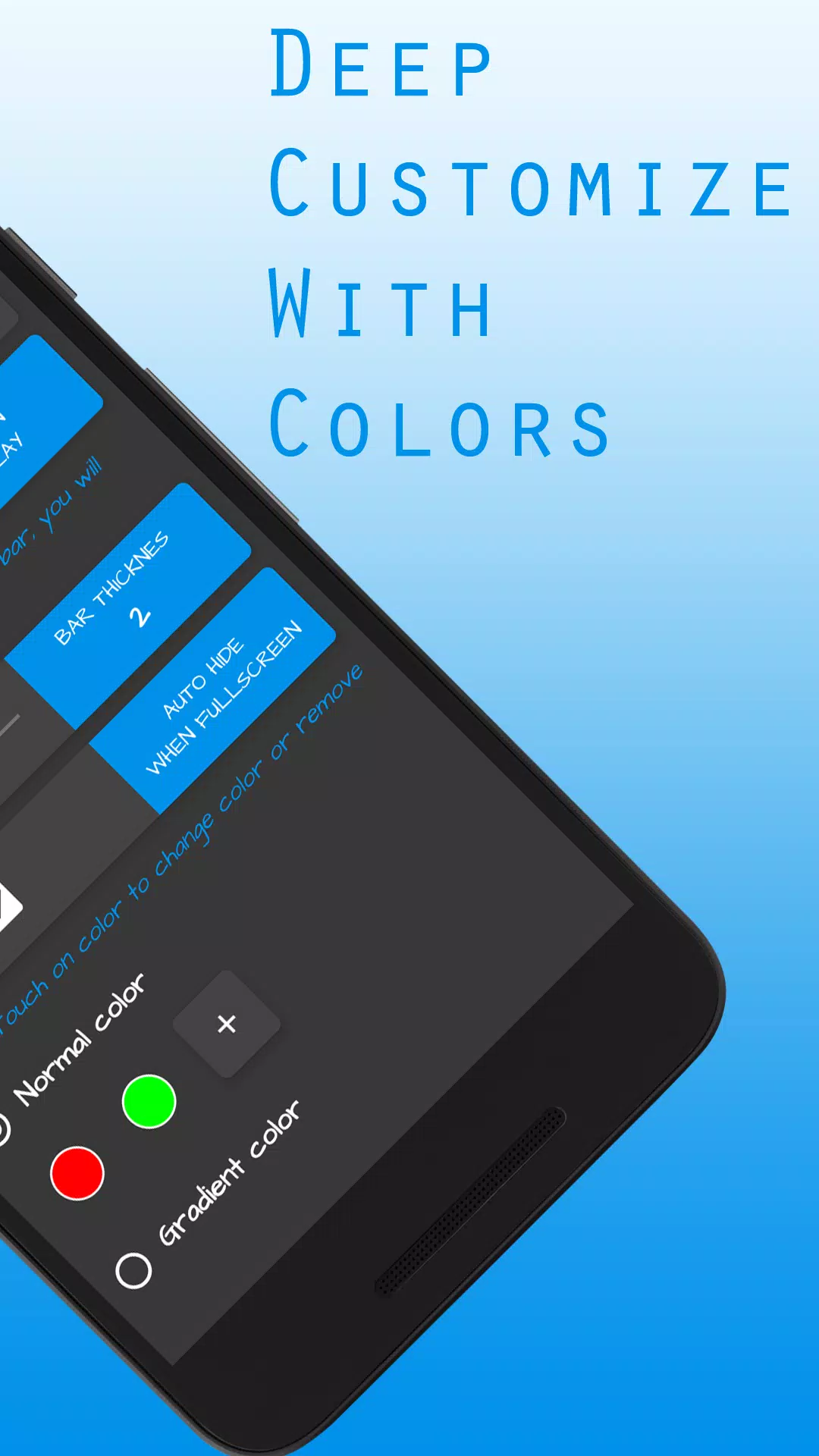
- ✅ Customizable Design – Choose from a variety of colors and gradients based on battery level (e.g., green at 80%, red at 20%).
- ✅ Dual Placement – Show the bar in the status bar or navigation bar — pick your preferred spot.
- ✅ Lightweight & Fast – No lag, no battery drain. Just clean, simple, and effective.
Perfect For:
- Gamers who don’t want to exit gameplay
- Streamers watching movies or videos
- Anyone who values quick, easy battery awareness
⚠️ Note: This app does not support devices with physical navigation buttons (e.g., older Android phones with hardware buttons).
Stop guessing. Start seeing.
With Battery Indicator Bar, you’re always in control — no more pulling down the shade. Just glance up and know your battery level at a glance.
👉 Download now and experience the smarter way to monitor your battery!
This version improves readability, adds emotional appeal, and uses persuasive language while keeping all your original features intact.