
Grid Drawing | Grid Maker - Draw a precise grid over any reference image.
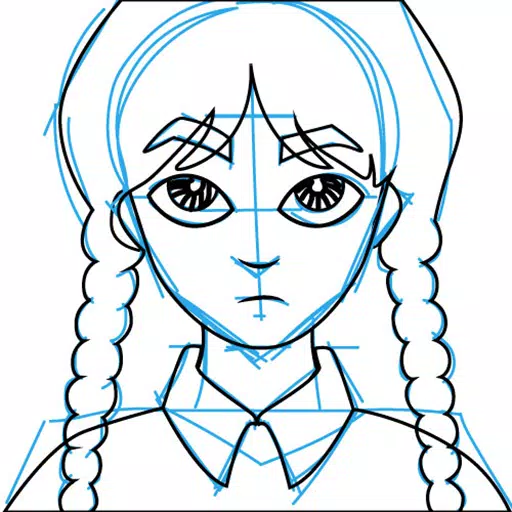
Grid Drawing is an artistic technique where you overlay a grid on your reference photo and recreate a proportional grid on your working surface—be it paper, canvas, or wood. The artist replicates the image section by section, focusing on individual squares to ensure accurate reproduction.
This approach enhances drawing precision and artistic skill, guaranteeing correct proportions and details. It's a fundamental learning method for developing artists.
Benefits of the Grid Drawing method include improved proportionality, easy resizing, simplified complex scenes, sharpened observation, better hand-eye coordination, and increased confidence.
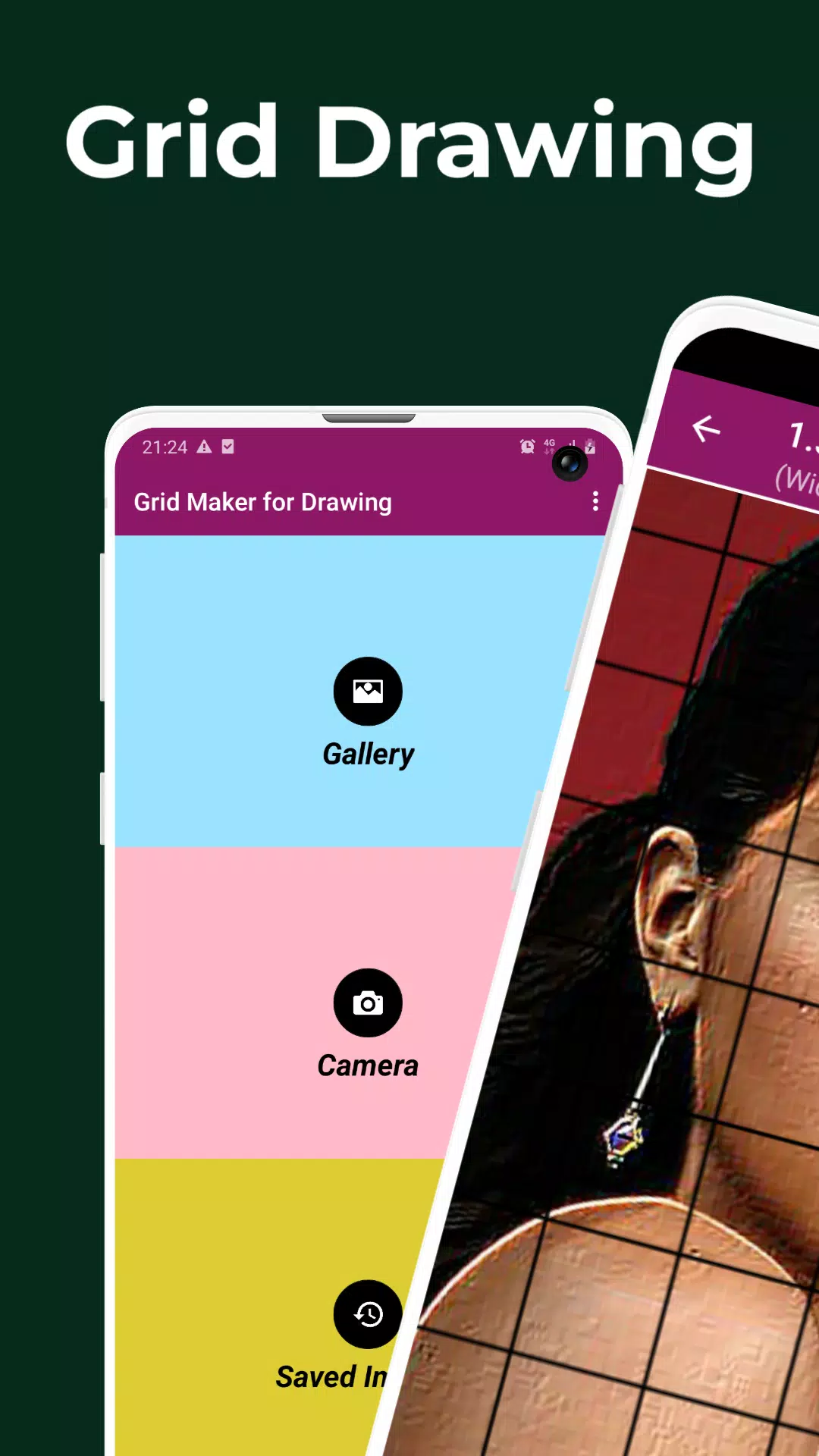
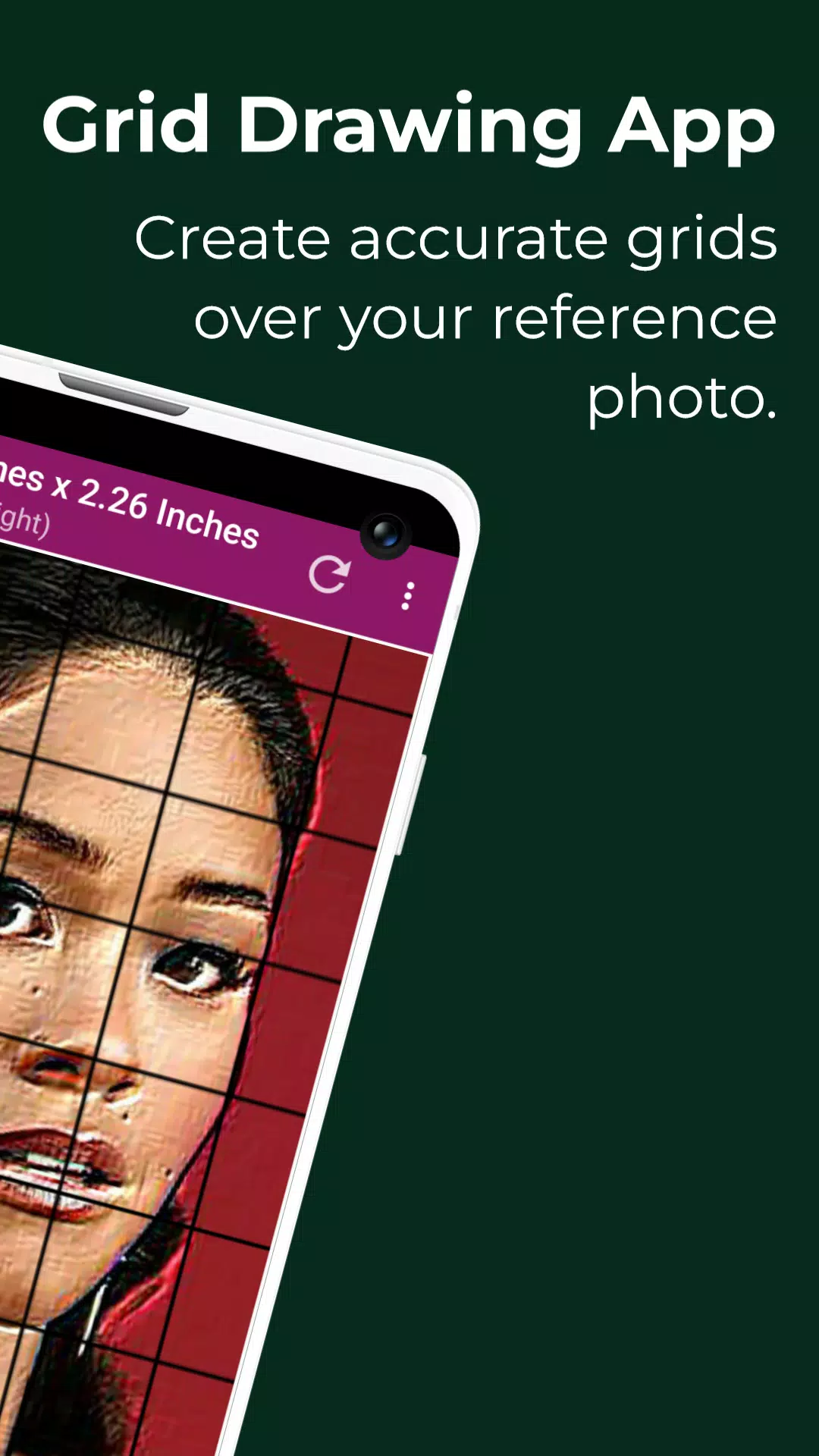
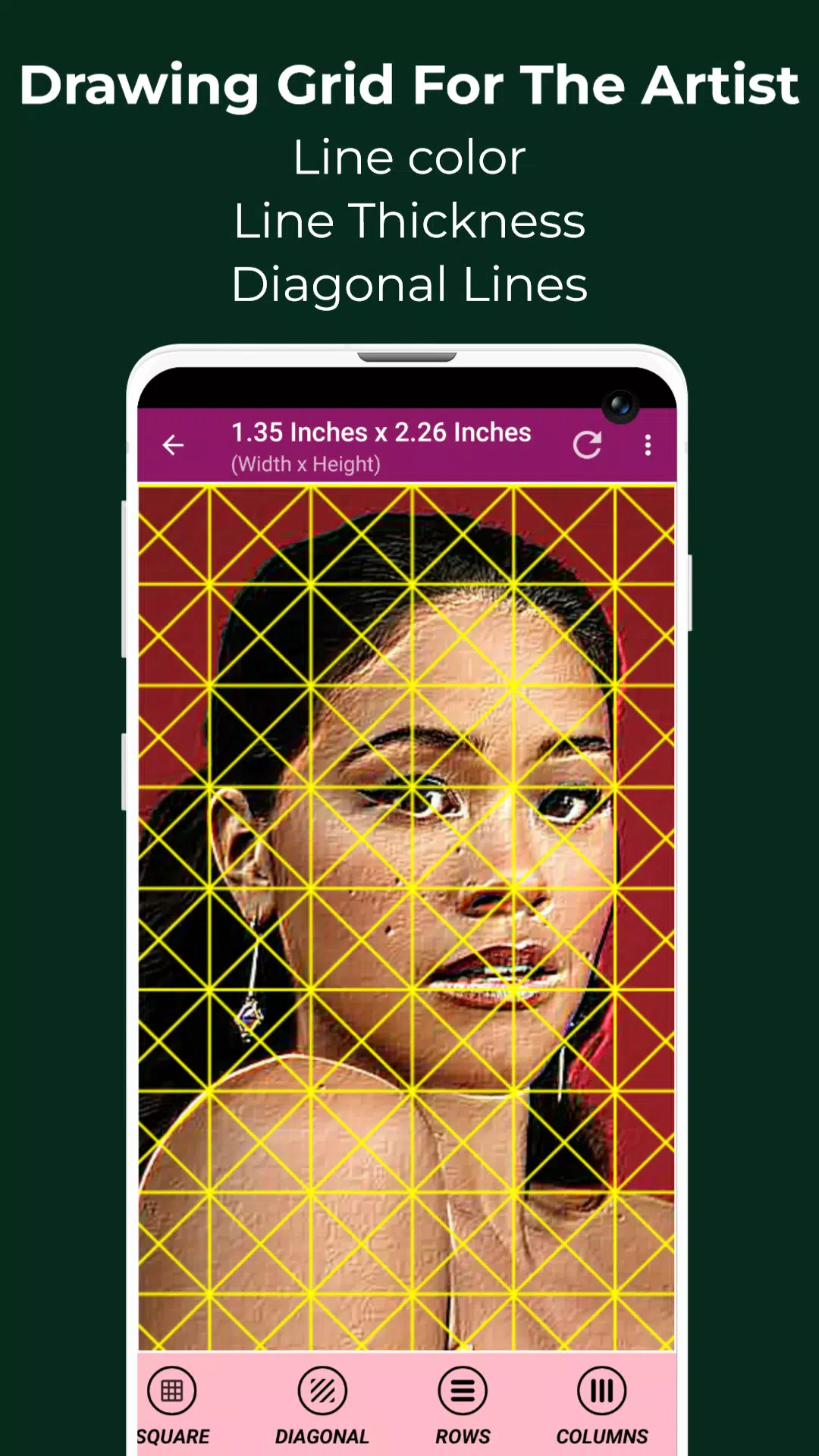
The Grid Maker For Drawing app divides your reference image into customizable rows and columns. Each square represents a portion of the full picture, allowing you to redraw it square by square at a larger scale with high precision.
Grid Maker also boosts your drawing ability by preserving image proportions and fine details.
This Grid Drawing app includes numerous tools and customization options for accurately and efficiently transferring reference photos to your artwork.
Drawing Grid For The Artist caters to all skill levels—from beginners to advanced artists—to develop observational and drawing techniques.
Key features of Grid Maker For Drawing With Measurements:
1. Capture a new photo with your camera. Supports JPEG, PNG, and WEBP formats.
2. Choose an image from your gallery. Supports JPEG, PNG, and WEBP formats.
3. Import or share images from file managers and other apps. Supports JPEG, PNG, and WEBP formats.
4. Square grids
5. Rectangular grids
6. Enable or disable grid overlay on images
7. Diagonal grid lines
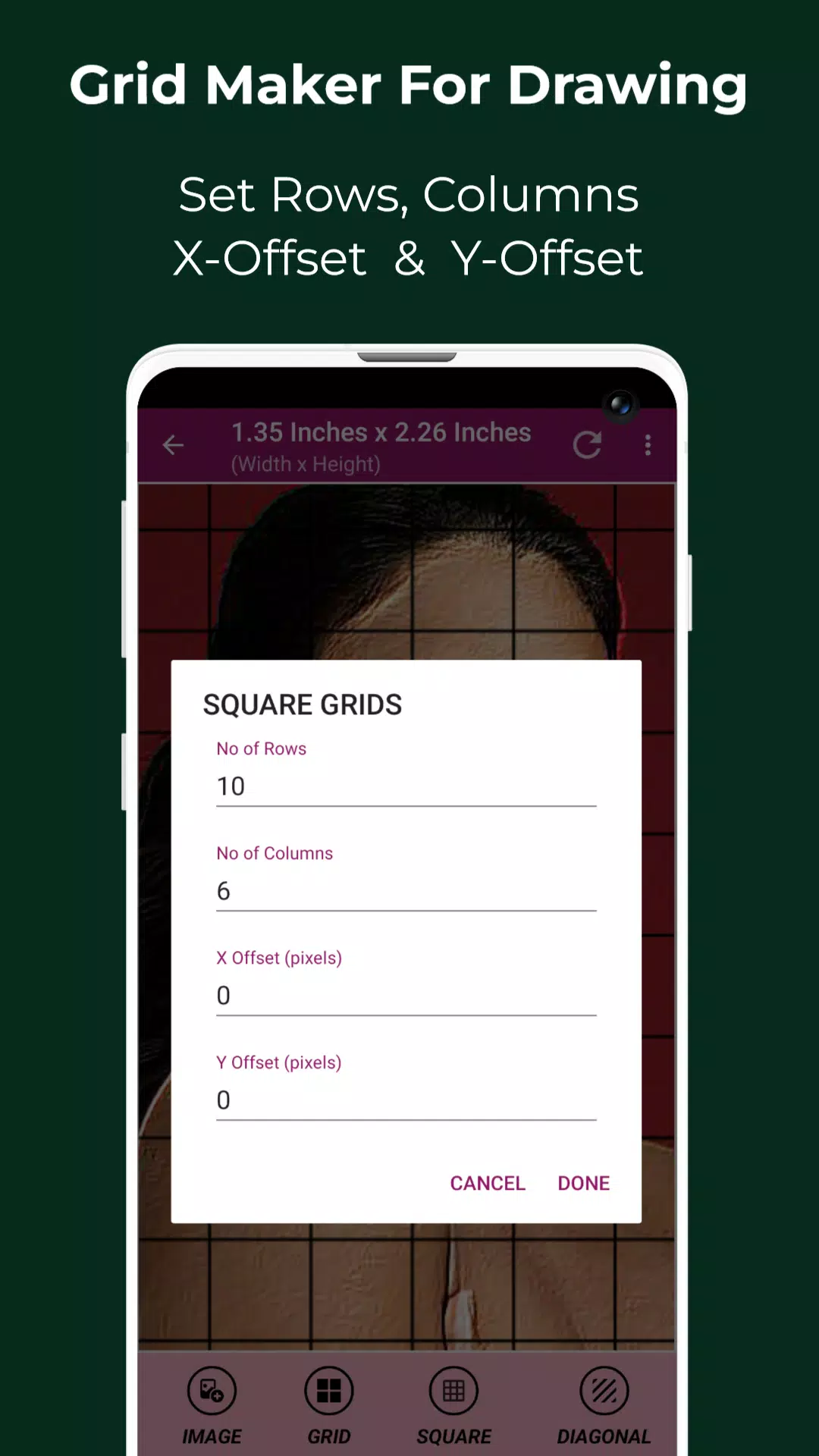
8. Set row count and Y-axis offset
9. Set column count and X-axis offset
10. Customizable grid color
11. Toggle grid labeling
12. Adjust label size and alignment (top, bottom, left, right)
13. Increase or decrease grid line thickness
14. Image measurements in multiple units (px, in, mm, pt, pc, cm, m, ft, yd)
15. Cell measurements in multiple units (px, in, mm, pt, pc, cm, m, ft, yd)
16. Full-screen mode
17. Compare Drawing: Real-time comparison between your drawing and the reference image
18. Screen lock
19. Pixel tool: Retrieve HEX, RGB, and CMYK values from any pixel
20. Zoom in/out up to 50x magnification
21. Enable or disable zooming
22. Visual effects: Black and white, Bloom, Cartoon, Crystal, Emboss, Glow, Grayscale, HDR, Invert, Lomo, Neon, Old School, Pixel, Polaroid, Sharpen, and Sketch
23. Image cropping (Fit image, Square, 3:4, 4:3, 9:16, 16:9, 7:5, custom)
24. Image rotation (360 degrees)
25. Vertical and horizontal image flipping
26. Adjust brightness, contrast, saturation, and hue
27. Save, share, and print gridded images
28. Saved Images: Access your stored grids anytime
Grid Drawing is the ultimate tool for artists seeking precision, accuracy, and skill improvement in their work.
Contact us with any questions or suggestions. Thank you.
Grid Drawing
Категория : Арт Дизайн
Размер : 12.8 MB
Версия : 4.3
Разработчик : The AppGuru
Имя пакета : grant.grid.maker.drawing
Обновлять : Aug 01,2026
2.9
Описание приложения
Скриншот
Отзывы
Публикация комментариев




Главные новости
Более
- 1 Каждая игра покемонов на Nintendo Switch в 2025 году
- 2 Pokémon TCG Pocket запускает торговую функцию и новое расширение в этом месяце
- 3 Новое интервью с режиссером Pokémon GO показывает, почему, по их мнению, фанаты не должны беспокоиться о Scopely
- 4 Pokémon GO отмечает 8-летие захватывающими рейдами и бонусами
- 5 Ubisoft запускает новую дочернюю компанию для крупных IPS с инвестициями Tencent в размере 1,16 млрд. Евро
- 6 Разблокируйте Внутреннюю тьму: откройте для себя «Грозовые волны: Кошмар без короны»
Последние приложения
Более



Последние новости
Более
Another Eden: The Cat Beyond Time and Space — обновление 3.12.50: «Ода истокам»
Neverness to Everness открыл регистрацию на закрытую бета-версию уже сегодня! Узнайте, как зарегистрироваться на тестирование по контролю и что ожидать от закрытой бета-версии.Регистрация на тестирование по контролю в Neverness to Everness теперь дос
Хидэо Кодзима, создатель Death Stranding 2, предпочитает сосредоточиться на обновлениях качества жизни, а не на сюжетных DLC, которые могут изменить нарратив игры после релиза, — подобно подходу, применённому в Star Wars. Читайте дальше, чтобы узнать
Woot, дочерняя компания Amazon, представила впечатляющие предложения на OLED-телевизоры непосредственно перед Чёрной пятницей. Вы можете приобрести 65-дюймовый умный телевизор Samsung S90D с разрешением 4K и OLED-матрицей всего за 1 079,99 доллара СШ
Популярные приложения