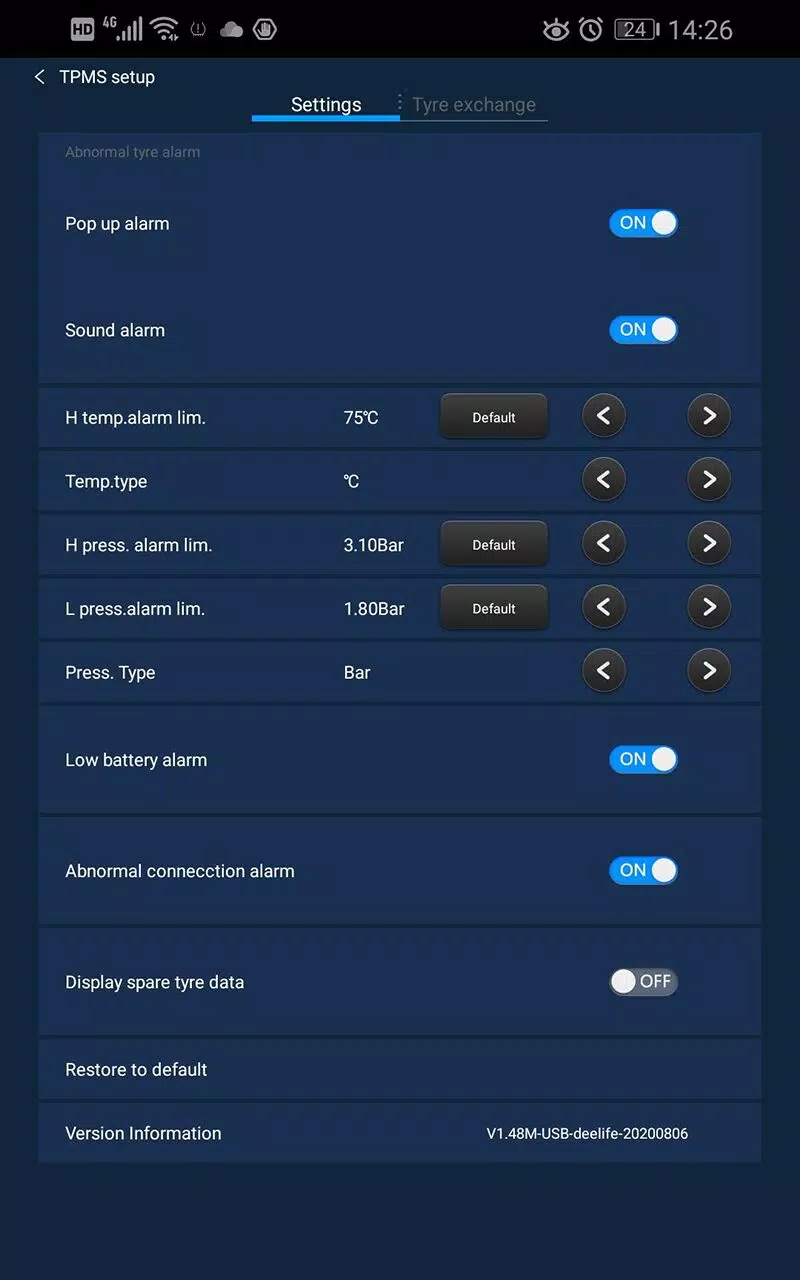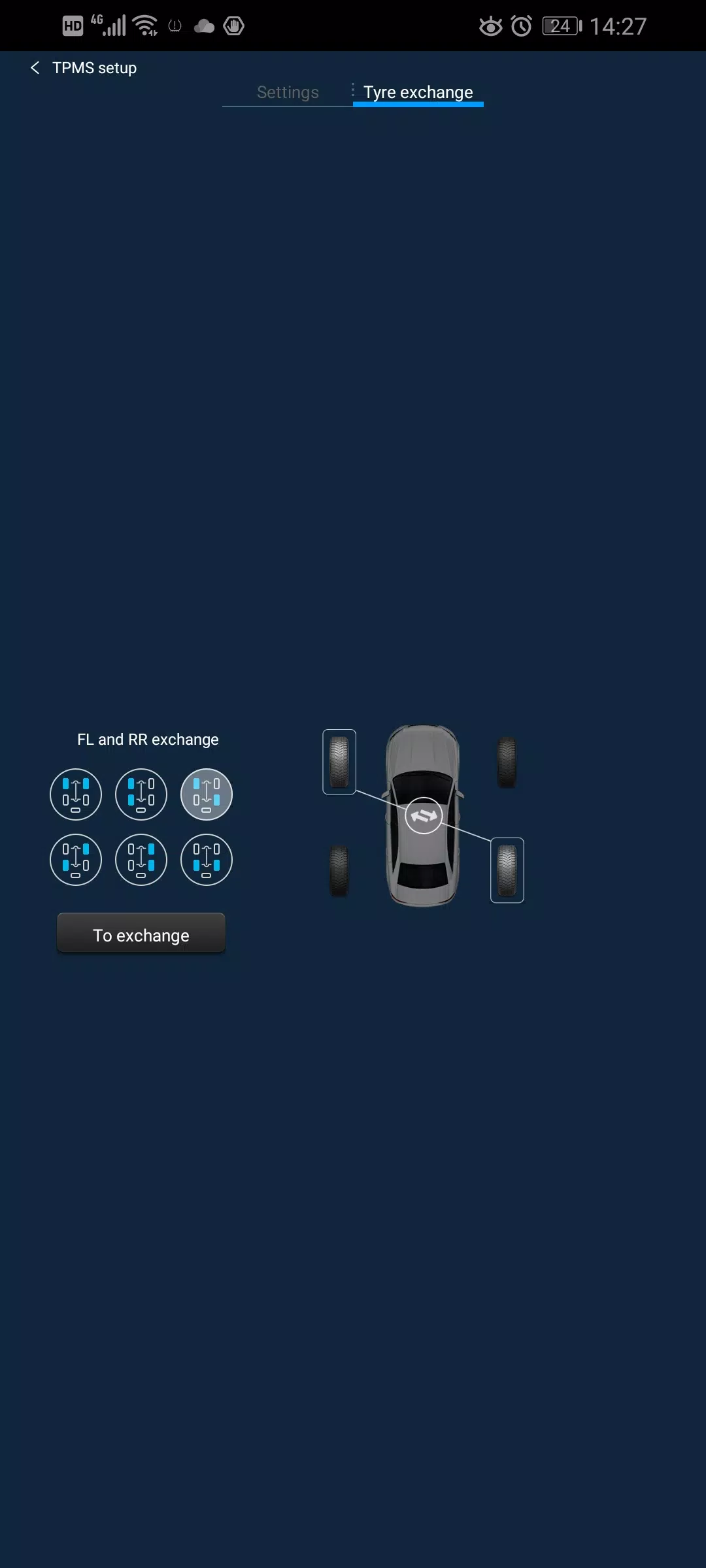
Here's a clear and professional summary of the Deelife USB TPMS App (V1.1.68M_USB_L10_20230517), optimized for user understanding and documentation:
🛠️ Deelife USB TPMS App – User Guide (v1.1.68M_USB_L10_20230517)
Last Updated: November 18, 2023
✅ Overview
The Deelife USB TPMS (Tire Pressure Monitoring System) app is a dedicated Android application designed to integrate with Deelife USB TPMS hardware for real-time tire pressure monitoring in Android-based automotive systems.
🔧 Key Features
- Monitors and displays real-time tire pressure for up to 5 tires (standard 4-wheel + spare).
- Works exclusively with Deelife USB TPMS sensors via direct USB connection.
- Fully compatible with Android Automotive OS platforms.
- Supports Android 13 and newer versions (enhanced system compatibility confirmed).
📥 Connection & Setup
- Connection Type: USB-only (no WiFi or Bluetooth support).
- Requires a functional USB port on your Android car system.
- Plug the Deelife USB TPMS sensor into the vehicle’s USB port.
- App launches automatically upon device detection (if enabled).
⚠️ Important Compatibility Notes
- ✅ Only compatible with Deelife USB TPMS devices.
- ❌ Does NOT support:
- WiFi-based TPMS
- Bluetooth TPMS
- Non-Deelife hardware
- Ensure your vehicle uses an Android Automotive OS platform.
- Verify your TPMS sensor is model-specific to Deelife’s USB line (e.g., L10 series).
📝 Version Update Summary (2023.11.16)
- ✅ Added full support for Android 13 devices.
- ✅ Improved system stability and compatibility across Android Automotive platforms.
- ✅ Enhanced USB handshake protocol for faster initialization.
📌 Recommendations
- Always confirm your TPMS hardware model before downloading or using the app.
- Use only the official Deelife USB TPMS sensor to ensure functionality and safety.
- Avoid using third-party adapters or USB hubs—direct connection is required.
📞 Need Help?
Contact Deelife Support or visit www.deelife.com for firmware updates, troubleshooting, and device verification.
This version ensures clarity, reduces user errors, and highlights key compatibility requirements for safe and effective use.