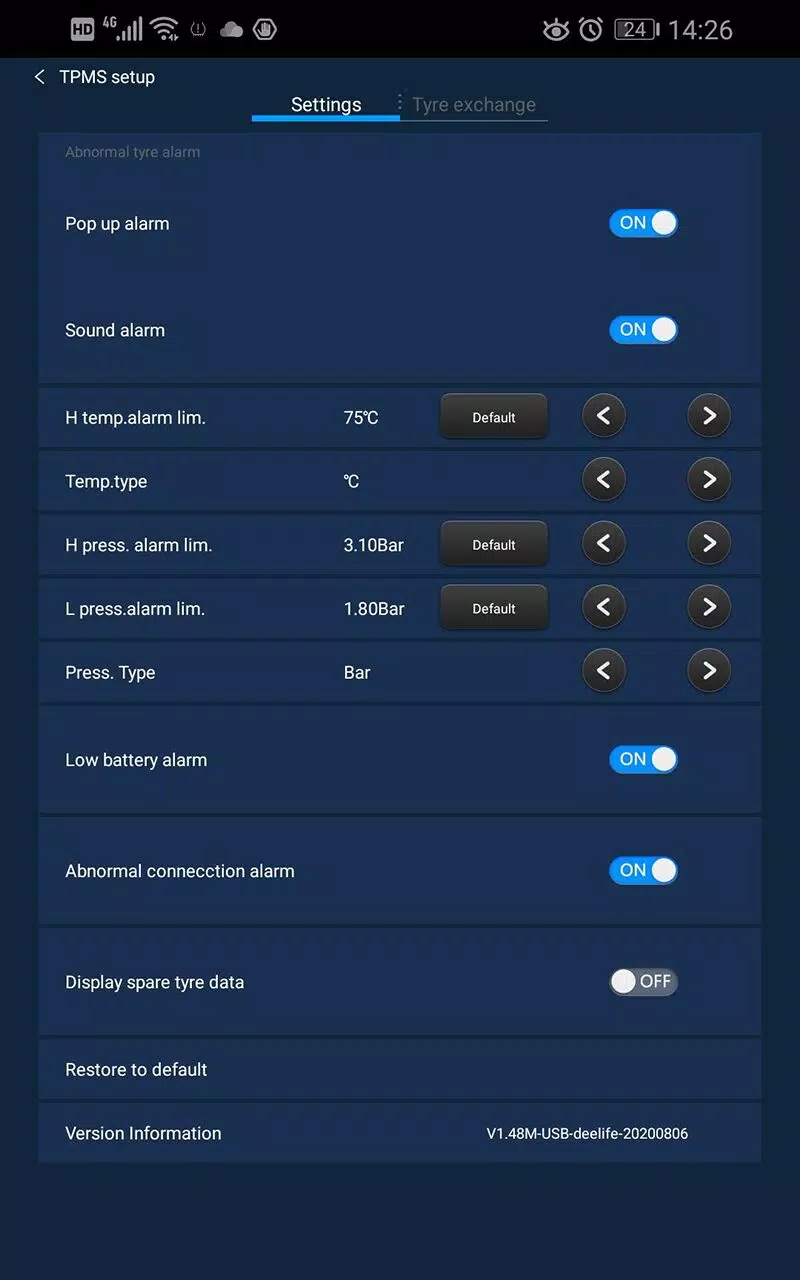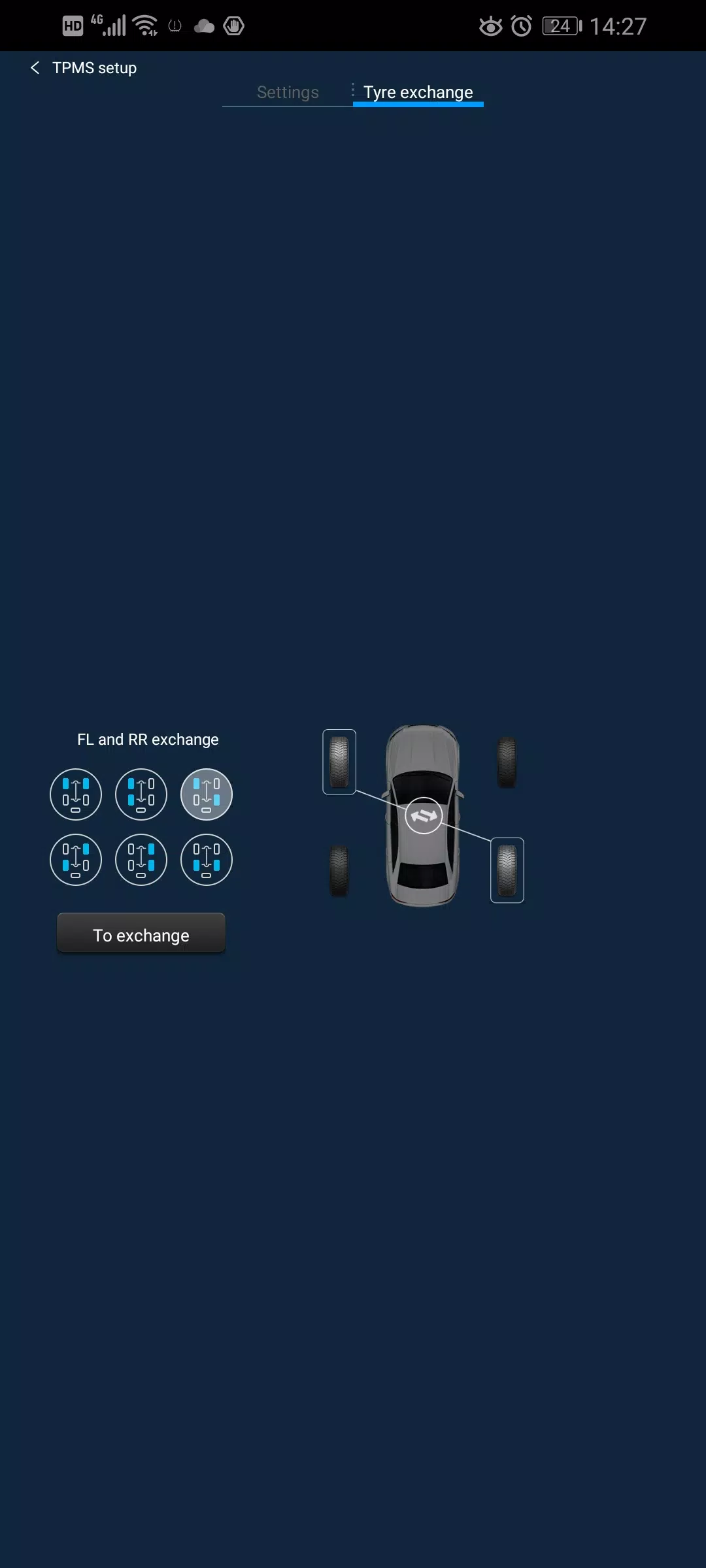
Here's a clear, professional, and user-friendly summary of the Deelife USB TPMS App information you provided, optimized for documentation or customer-facing communication:
Deelife USB TPMS App – User Guide (v1.1.68M_USB_L10_20230517)
Last Updated: November 18, 2023
🔧 Overview
The Deelife USB TPMS App is a dedicated tire pressure monitoring solution designed exclusively for Android Automotive OS (Android Auto) systems. It provides real-time, wireless tire pressure and temperature monitoring using compatible Deelife USB TPMS sensors.
📌 Key Features
- ✅ Monitors up to 5 tires (4-wheel + spare) in real time
- 📡 Wireless data transmission from TPMS sensors to the Android car system
- 🖥️ Displays live pressure and temperature readings on your vehicle’s infotainment screen
- 🔄 Fully integrated with Android Automotive OS (supports Android 13 and later)
- 🔌 USB-only connectivity – No Bluetooth or WiFi required
⚠️ Important Compatibility Notes
- ✅ Only works with genuine Deelife USB TPMS devices
- ❌ Does NOT support:
- Bluetooth TPMS sensors
- WiFi-based TPMS systems
- Non-Deelife third-party TPMS hardware
- 🔌 Connection method:
- Must be connected via USB port on your Android car system
- No external adapters or wireless modules needed
🛠️ Always verify your TPMS sensor model is compatible before installation. Mismatched devices may not function properly.
🔄 Latest Updates – v1.1.68M_USB_L10_20230517
- ✅ Added full support for Android 13 devices
- ✅ Improved system stability and sensor recognition
- ✅ Enhanced USB handshake protocol for faster startup
- ✅ Minor UI optimization for better readability
📞 Support & Troubleshooting Tips
- Ensure your vehicle’s Android Automotive OS is updated to the latest version.
- Confirm the Deelife USB TPMS sensor is properly installed and powered.
- Restart the app or vehicle system if data fails to load.
- For technical issues, contact Deelife Customer Support with your device model and firmware version.
📎 Final Reminder
This app is exclusively designed for Deelife USB TPMS devices. Using non-Deelife hardware may result in no functionality or inaccurate readings.
Stay safe. Monitor your tire pressure regularly.
Deelife – Smart Safety, Connected Driving.
Let me know if you'd like this as a downloadable PDF, a version for a website, or a multilingual variant!