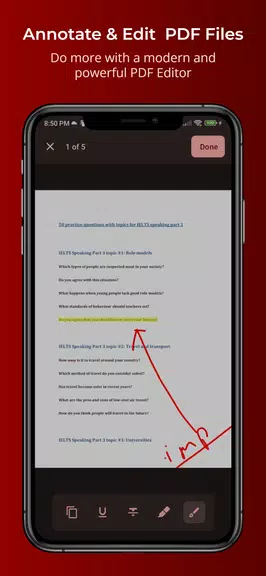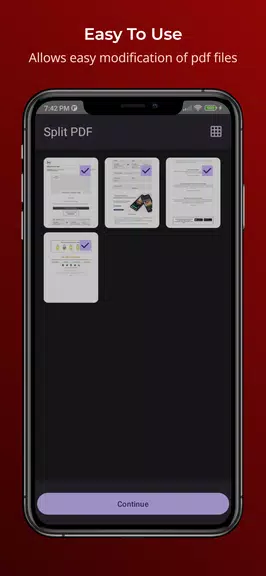

The robust editing toolkit enables you to highlight important text, add handwritten notes, select and copy text, and personalize documents to meet your specific needs. Customize your viewing experience with adjustable layouts, dark mode for nighttime reading, and seamless saving functionality.
Key Features of PDFEditor - Read & Annotate:
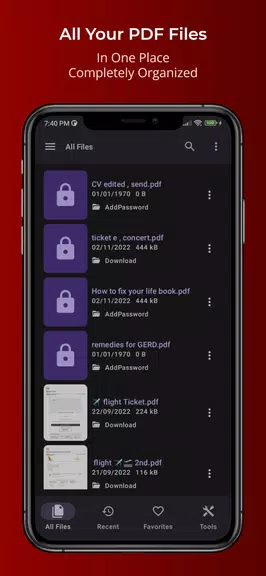
• Centralized PDF management system • Comprehensive sharing and file modification tools • Advanced annotation capabilities including drawing tools and text markup • Document security features with password protection
Helpful Usage Tips:
• Bookmark essential documents for instant access
• Check the recent files section for quick document retrieval
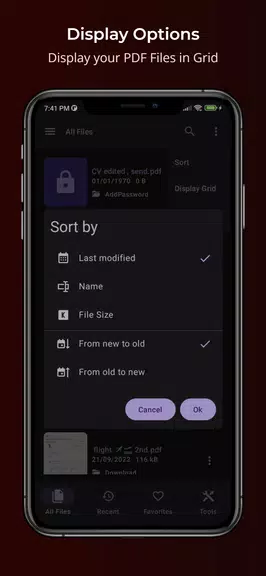
• Toggle between grid and list views to optimize your workflow
• Leverage the document search function for efficient text lookup
• Activate night mode to reduce eye strain during extended reading sessions
Final Recommendation:
PDFEditor - Read & Annotate stands out as an exceptional PDF solution, combining organizational efficiency with professional-grade editing tools. The app's streamlined interface and comprehensive feature set make it invaluable for students, business professionals, and anyone needing reliable PDF management. Experience superior document control by downloading PDFEditor - Read & Annotate today!