Easy Drawing and Painting App
Pofi Brush is a mobile art application that enables creators and artists to enjoy a seamless painting experience while exploring their creative potential.
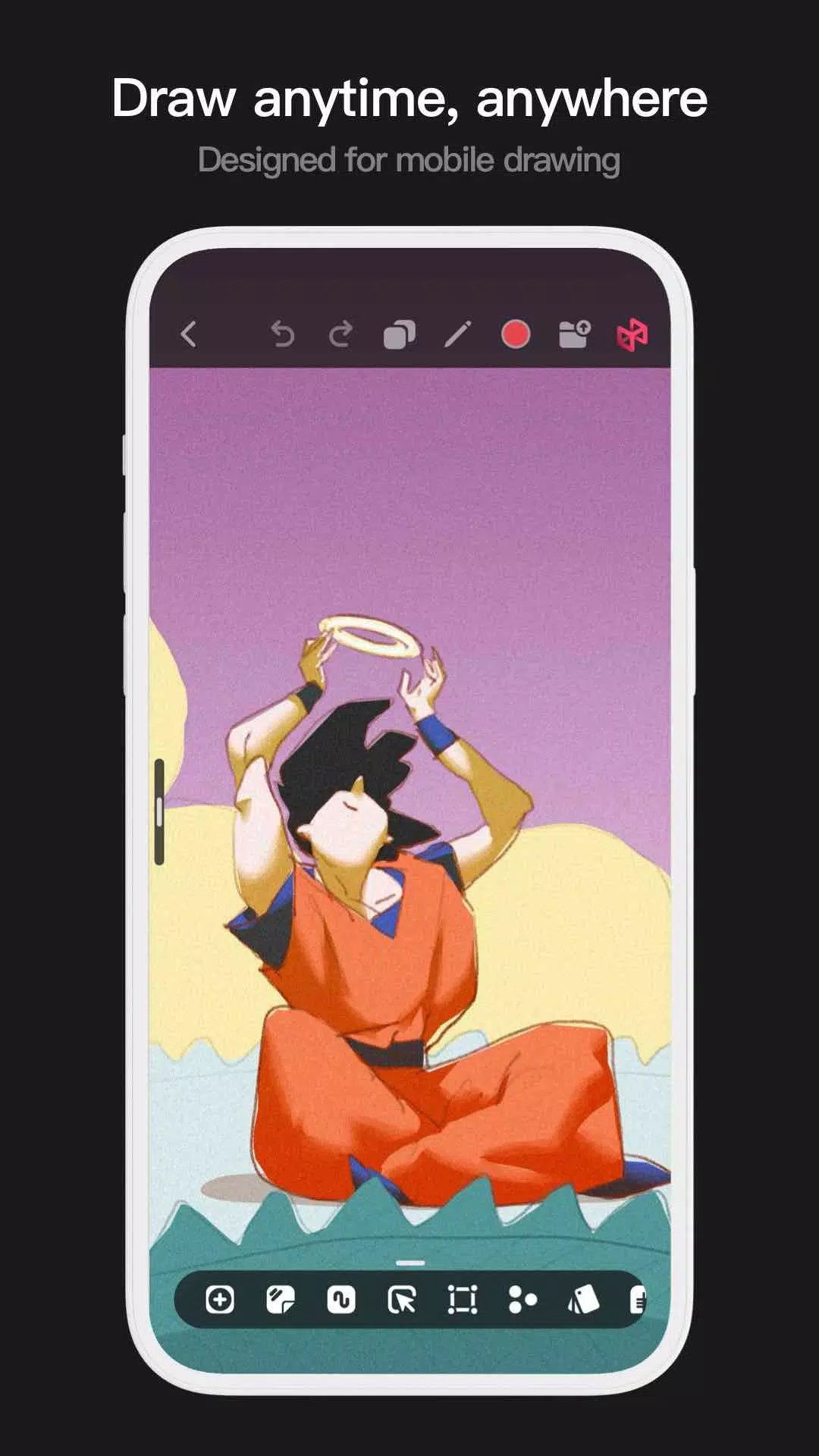
With dozens of beautifully crafted brushes, a full suite of layer and color tools, an intuitive interface, and a smooth 2D Artistic Engine, Pofi Brush delivers a complete digital art studio—all for free. Whether you're just starting out or are a professional, this app helps you produce impressive sketches, illustrations, comics, and cartoons on your phone or tablet, so your ideas can come to life anytime, anywhere.
Powerful 2D Artistic Engine
Our custom-built 2D Artistic Engine is optimized for 64-bit multi-core processors and supports multiple platforms. It enables work on large HD canvases and multiple layers while maintaining smooth performance for an optimal painting experience.
- Canvas sizes up to 4K × 4K pixels ensure crisp, lifelike artwork.
- Mobile-optimized interface designed for on-the-go painting.
- Engineered for 64-bit multicore processors to deliver fluid drawing performance.
- Use an electronic pen for natural, responsive strokes with minimal lag.
- Auto-save and save on exit protect your work automatically.
- Full compatibility across phones and tablets.
Professional Brush Editor
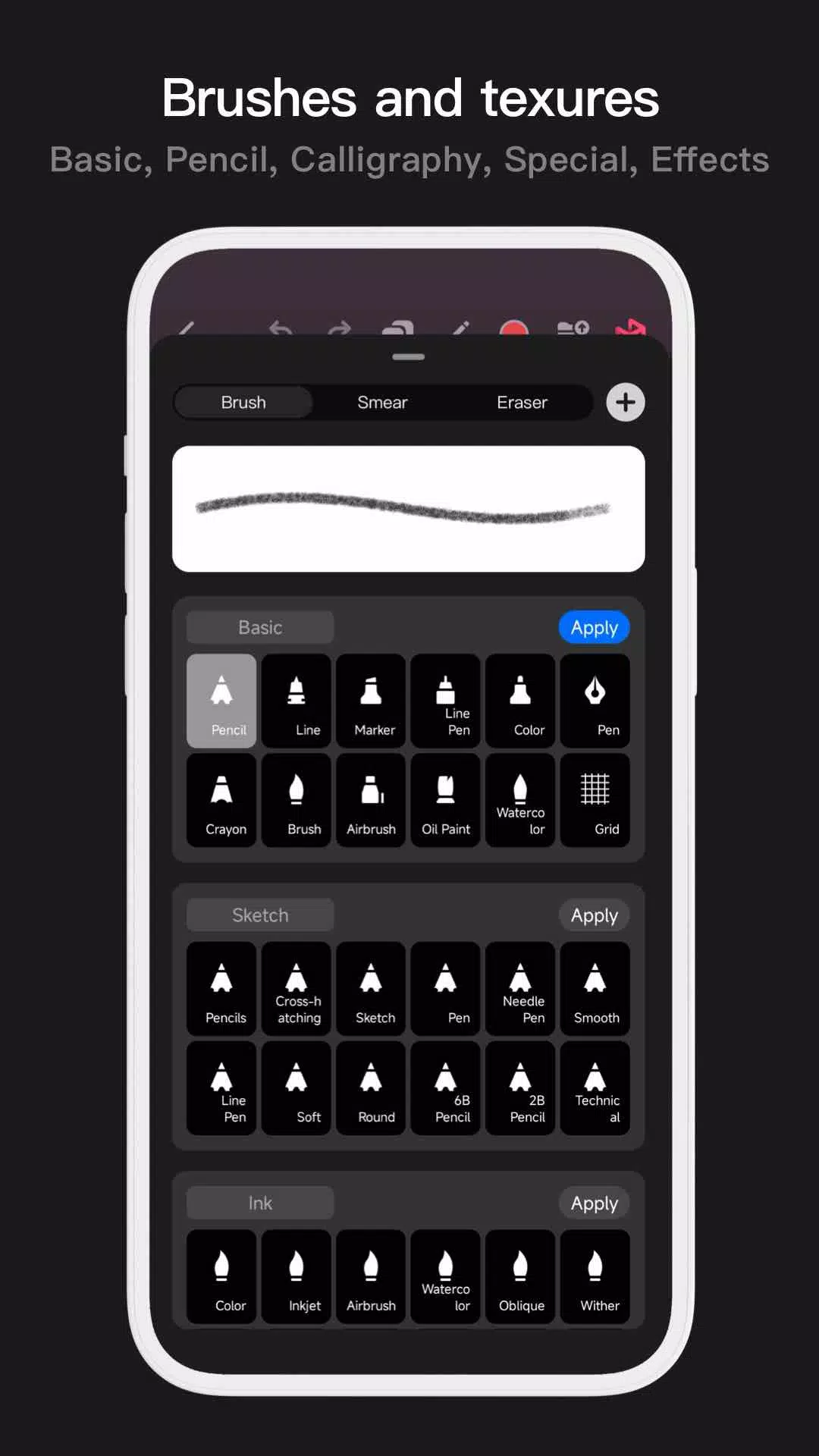
Pofi Brush comes with dozens of preset creative brushes, each offering over 40 customizable settings. Tailor brushes to your style or design entirely new ones for unique artistic expression.
- Access dozens of professionally designed brushes for sketching, inking, texturing, and more.
- Each brush features three modes: Brush, Eraser, and Smudge.
- Customize brushes with over 40 settings and choose from preset tip shapes and textures.
- Organize brushes into groups for efficient management.
- Apply anti-flutter settings for smoother brush flow.
- Finger-painting mode simulates pressure sensitivity for fine control without a stylus.
- Maximize electronic pen features with support for tilt, pressure, and speed for a true-to-life brush feel.
Advanced Multi-layer System
Pofi Brush includes a versatile layer system with grouping, effects, and adjustments, offering precise control for creating detailed artwork.
- Quickly locate layers using the Layer Preview feature.
- Easily group, merge, or delete multiple layers with drag-and-drop controls.
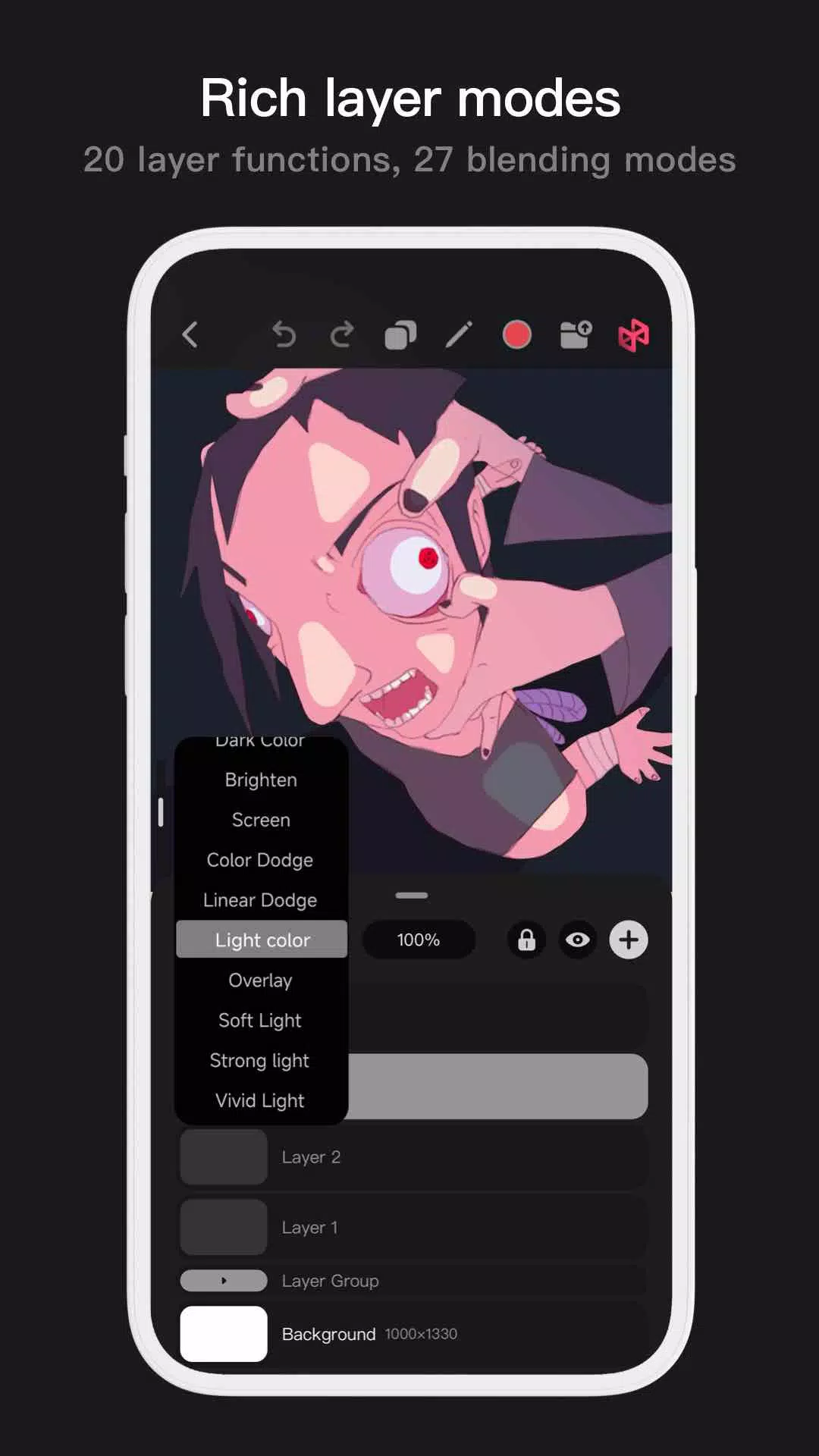
- Access 20 layer functions including reordering, visibility, locking, opacity, and grouping.
- Choose from 27 blending modes such as Darken, Lighten, Overlay, Soft Light, and more.
Full-featured Color Tools
Pofi Brush includes multiple color panels and selection options to help you quickly find the perfect shades.
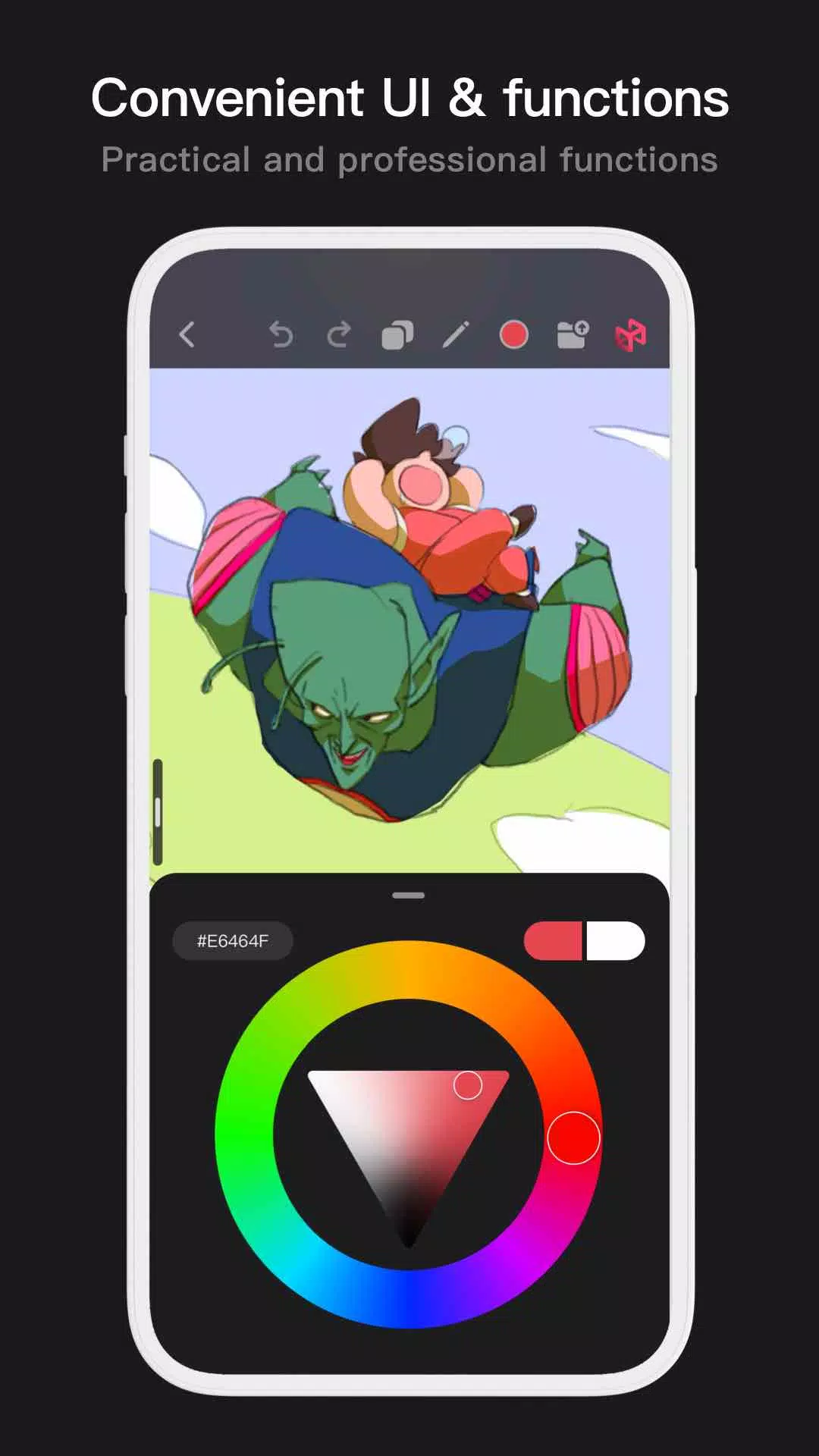
- Four color panels: circular color wheel, square palette, HSB numeric input, and grouped color swatches.
- Two color picking methods: enter hex codes or use the long-press color picker.
- Six swatch functions: group swatches, rename groups, reorder groups, sort colors, overlay swatches, and delete swatches.
More Highlights
- Phone interface supports half-screen and full-screen layout modes.
- Tablets offer both expanded view and compact draggable interfaces.
- Rotate and zoom the canvas for flexible composition.
- Auto-save and resume on re-opening.
- Export images as PNG or JPG files.
If you have questions or feedback, reach us at [email protected].
Privacy : https://brush.pofiapp.com/agreement/privacy