
Print massive posters directly from your phone. Design a block poster in just a few taps!
Want to create large posters, banners, or wall art without needing a professional printer?
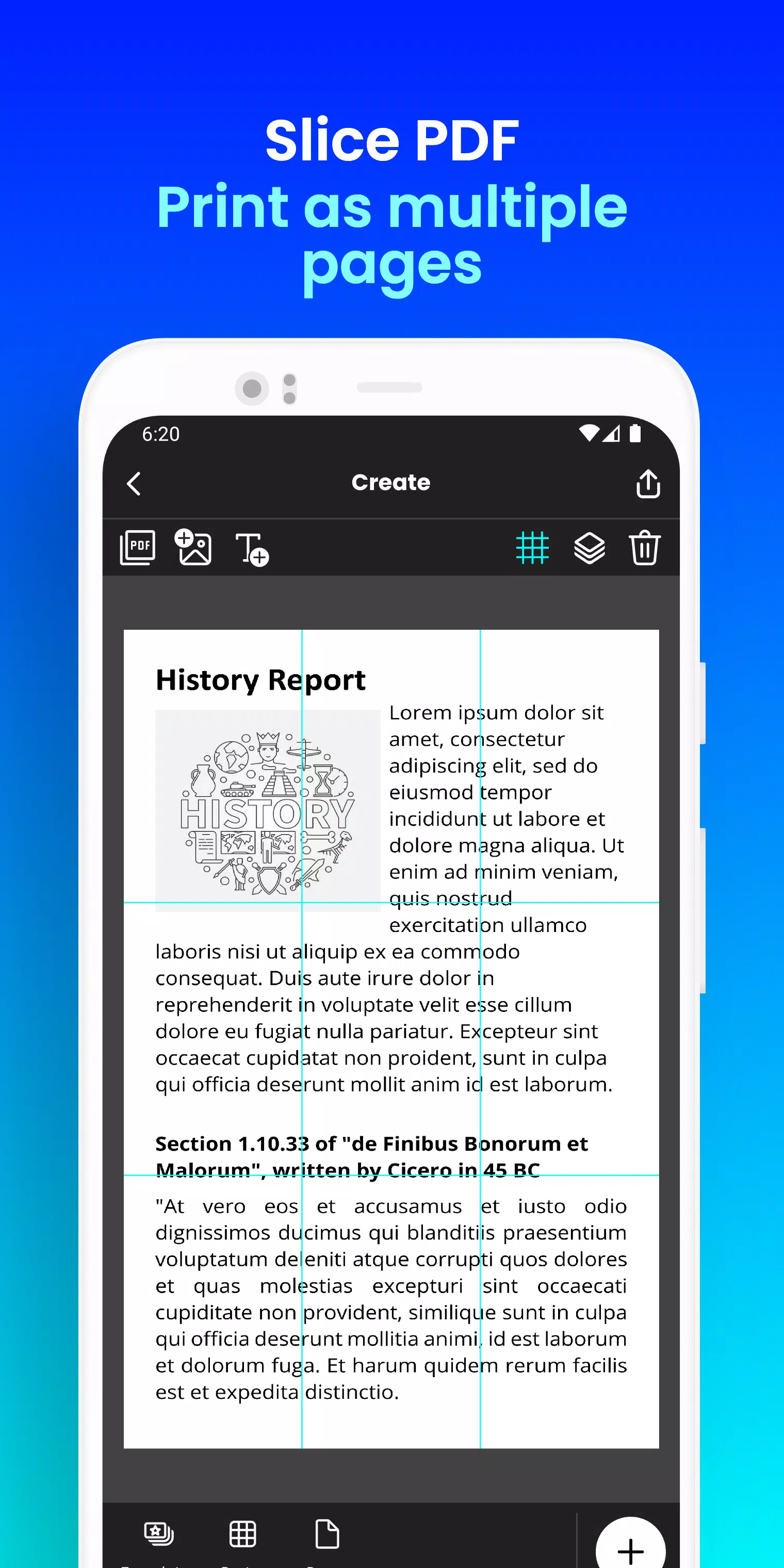
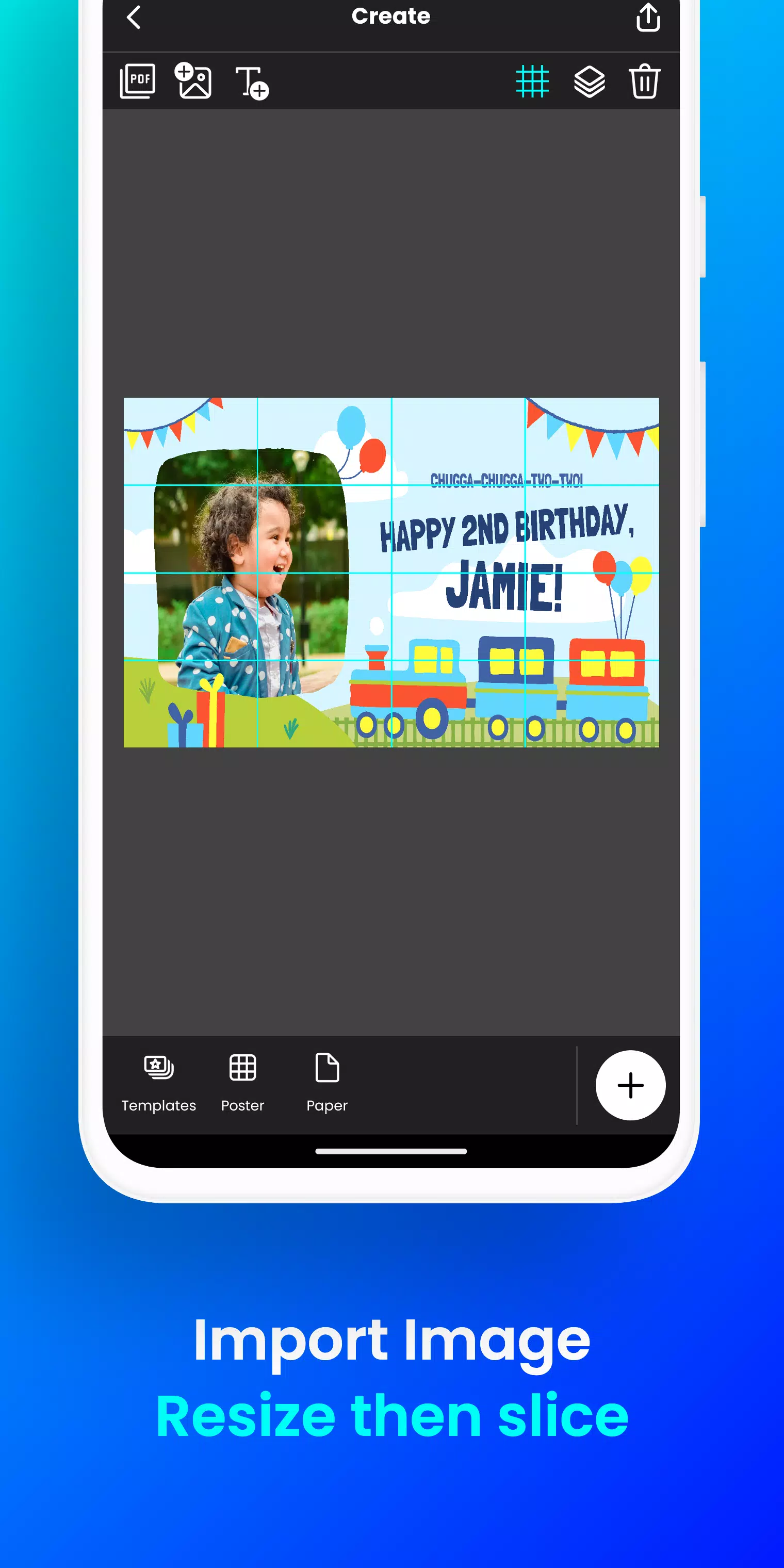
Docuslice transforms any image or PDF into a beautiful, multi-page masterpiece using your standard home printer! Tiled printing has never been simpler!
Here's how it works:
- Import your image or PDF file.
- Customize it to your liking: Easily resize and add text.
- Docuslice automatically divides your design into printable tiles.
- Print the tiles on any paper size and piece them together to create a giant poster!
Perfect for:
- Attention-grabbing event posters (birthdays, holidays, and more)
- Educational charts, decorations, and school posters
- One-of-a-kind wall art for your home or office
- Campaign posters that stand out
- Large banners for any event
- Activism and awareness posters
Docuslice is:
- Fully FREE to download and use!
- Extremely simple to learn and operate.
- Works with any image or PDF file.
- Helps reduce printing expenses.
- Eco-conscious – no large format printers needed!
Ready to get creative and print giant posters effortlessly? Download Docuslice now!
### What's New in the Latest Version 2.1
Last updated on Nov 9, 2024
- Updated authentication to use OTP, removing password-based login.
- Added a new paper size (A3+ / Super B)
- Added scissor markings as cutting guides, with the option to show or hide them from the export preview.
- Now supports both phones and tablets!
- This release also includes bug fixes and improvements to overall app stability and performance.
- We value your feedback and thank you for helping us enhance the app.

Docuslice
4.8
程序描述
截图


用户评价
发表评价






热门新闻
更多
最新应用
更多






最新新闻
更多
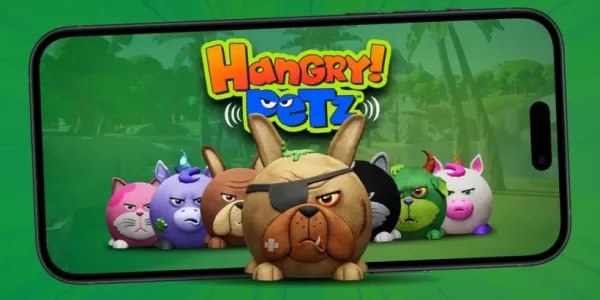
Hangry Petz 推出手机游戏
DC: 黑暗军团将神奇女侠日与万圣节合并,打造一场盛大的庆典在新推出的“夜幕围攻”PvE 模式中,与笑蝙蝠的力量作战解锁死亡金属神奇女侠,并通过额外的子活动赚取独家奖励万圣节即将到来,这意味着又是另一个激动人心的活动时刻!然而,《DC: 黑暗军团》的开发团队不仅仅是在纪念这一年中最令人毛骨悚然的季节;他们也在庆祝其中最标志性的英雄之一。为了纪念这一时刻,《DC: 黑暗军团》将神奇女侠日与万圣节合并为一场史诗般的庆典!粉丝们会立刻注意到金属(Metal)故事线的持续影响,这体现在“死亡金属神奇女侠
Another Eden: The Cat Beyond Time and Space 已迎来重大新内容更新,3.12.50 版本带来《起源之诗》。探索神秘岛屿,并通过各类活动获取丰厚奖励。多平台单人 RPG 游戏《Another Eden: The Cat Beyond Time and Space》已迎来重要更新,推出了《起源之诗》。3.12.50 版本带来了丰富的新剧情内容、星辉觉醒(Stellar Awakening)功能以及新增角色,所有更新即日起上线!最新剧情《起源之诗:第一幕——兽
Neverness to Everness 今日正式开启封闭测试报名!了解如何注册参与封印测试,并知晓封闭测试期间将有哪些内容。NTE 封印测试报名现已开放 招募期将于 5 月 15 日启动Neverness to Everness(NTE)现已开启封闭测试报名。5 月 15 日,NTE 全球通过推特(X)宣布,封印测试报名将于 UTC+8 时间 10:00 开始。请参考下方日程表,确定您所在时区封闭测试报名的开始时间:参与测试只需访问游戏官网完成一份问卷调查,并等待确认邮件。目前尚未公布报名
热门应用