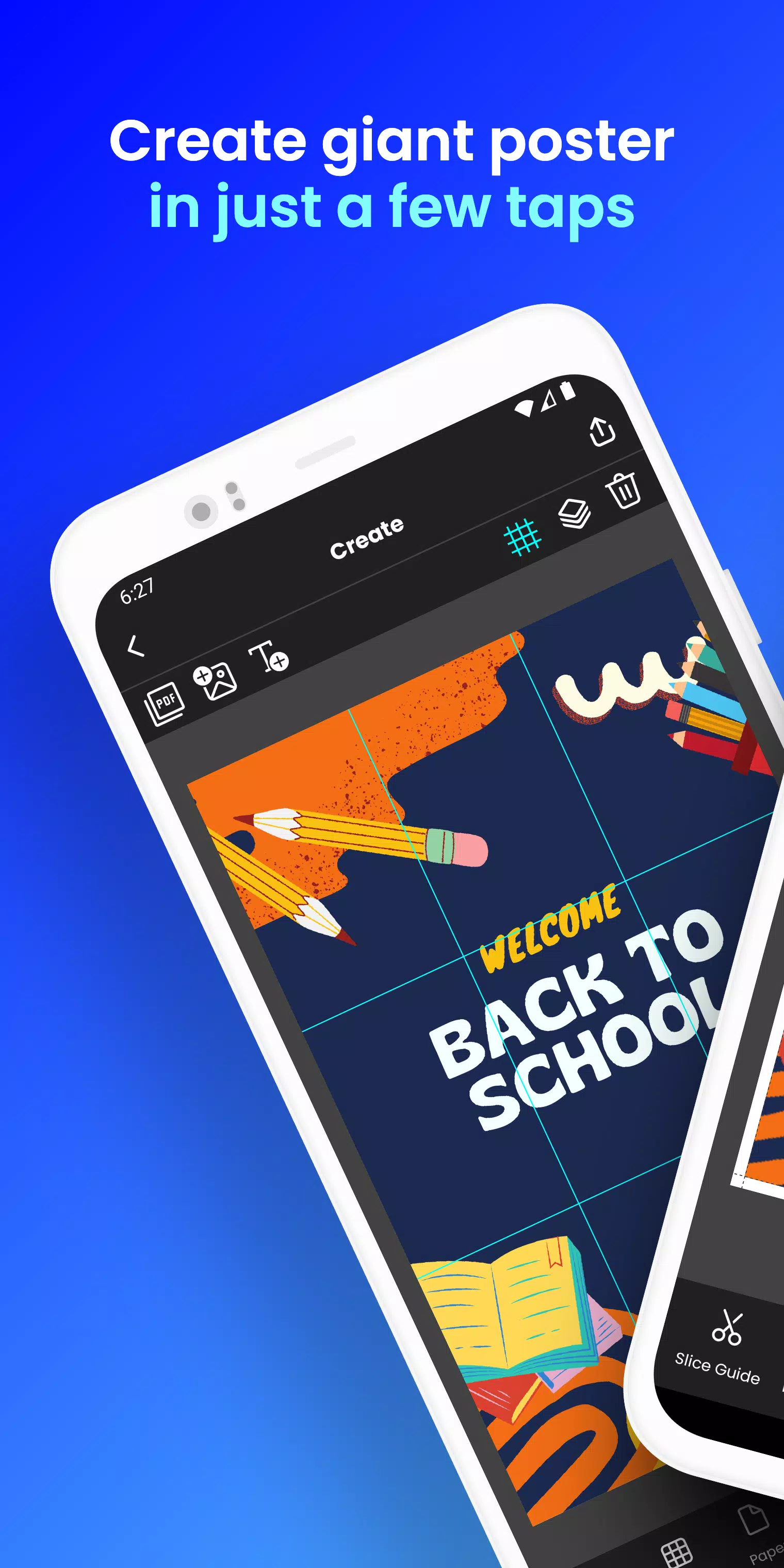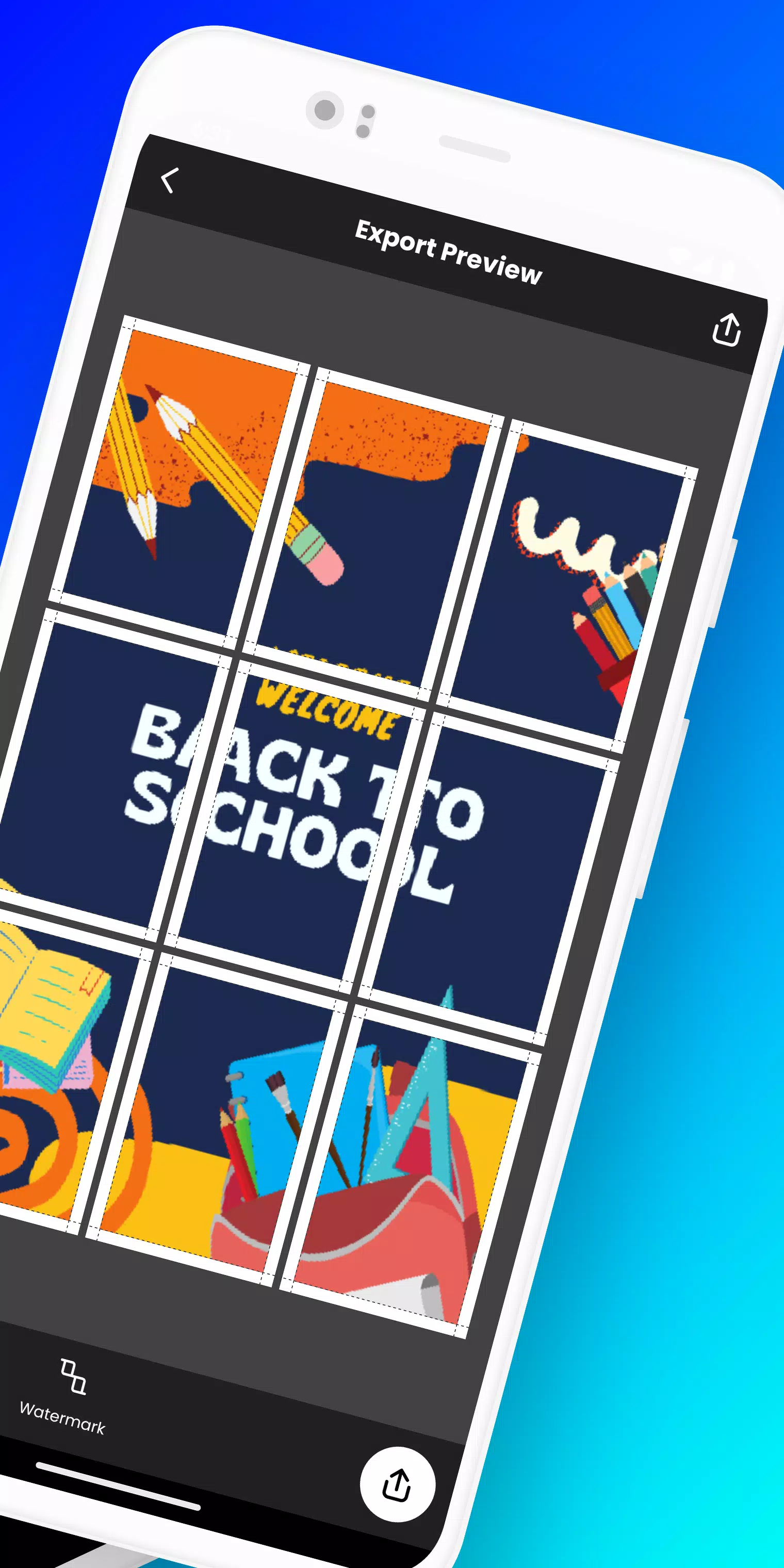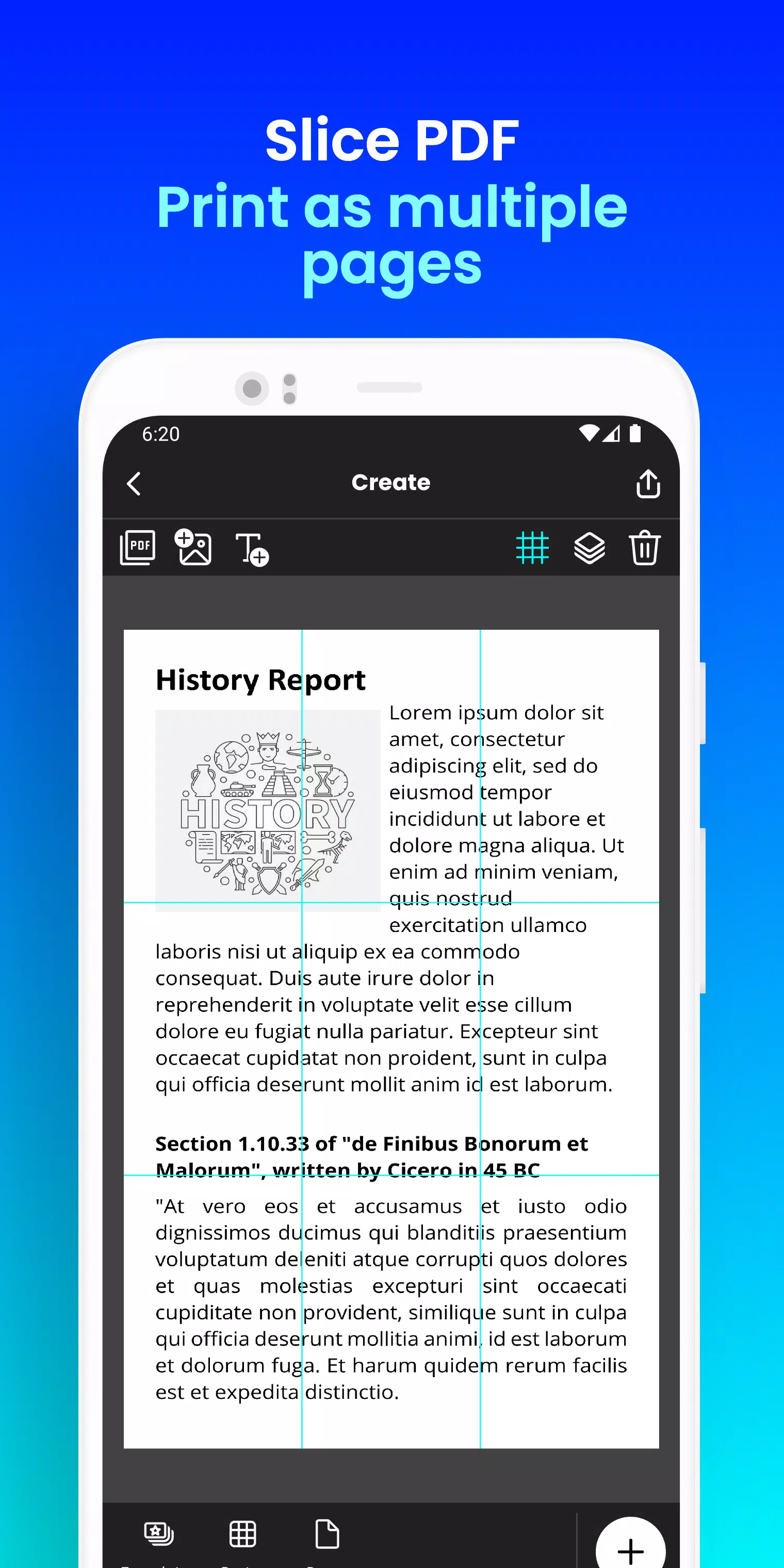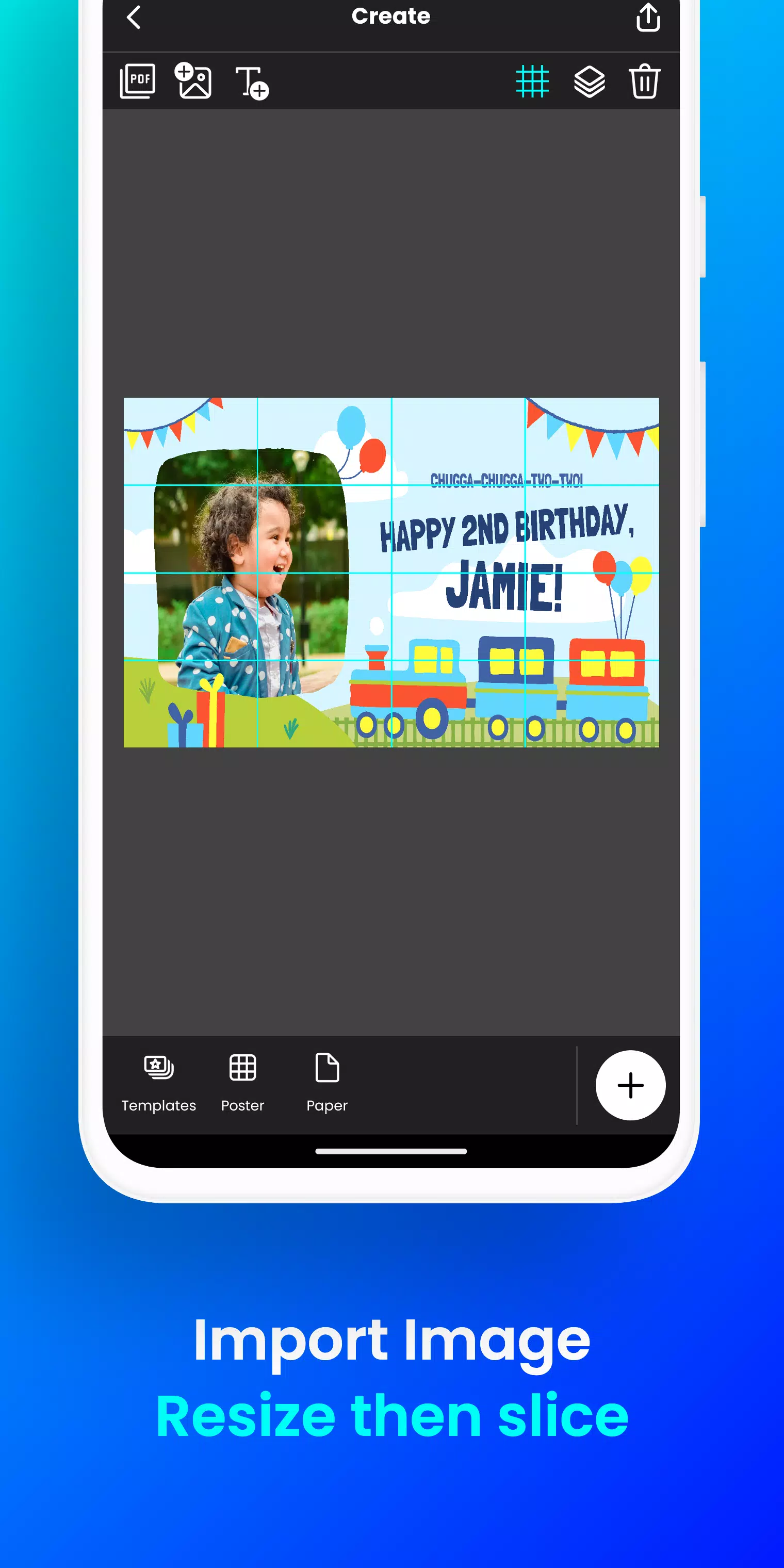
Print massive posters directly from your phone. Design a block poster in just a few taps!
Want to create large posters, banners, or wall art without needing a professional printer?
Docuslice transforms any image or PDF into a beautiful, multi-page masterpiece using your standard home printer! Tiled printing has never been simpler!
Here's how it works:
- Import your image or PDF file.
- Customize it to your liking: Easily resize and add text.
- Docuslice automatically divides your design into printable tiles.
- Print the tiles on any paper size and piece them together to create a giant poster!
Perfect for:
- Attention-grabbing event posters (birthdays, holidays, and more)
- Educational charts, decorations, and school posters
- One-of-a-kind wall art for your home or office
- Campaign posters that stand out
- Large banners for any event
- Activism and awareness posters
Docuslice is:
- Fully FREE to download and use!
- Extremely simple to learn and operate.
- Works with any image or PDF file.
- Helps reduce printing expenses.
- Eco-conscious – no large format printers needed!
Ready to get creative and print giant posters effortlessly? Download Docuslice now!
What's New in the Latest Version 2.1
Last updated on Nov 9, 2024
- Updated authentication to use OTP, removing password-based login.
- Added a new paper size (A3+ / Super B)
- Added scissor markings as cutting guides, with the option to show or hide them from the export preview.
- Now supports both phones and tablets!
- This release also includes bug fixes and improvements to overall app stability and performance.
- We value your feedback and thank you for helping us enhance the app.