Troubleshooting Error 102 in Pokémon TCG Pocket
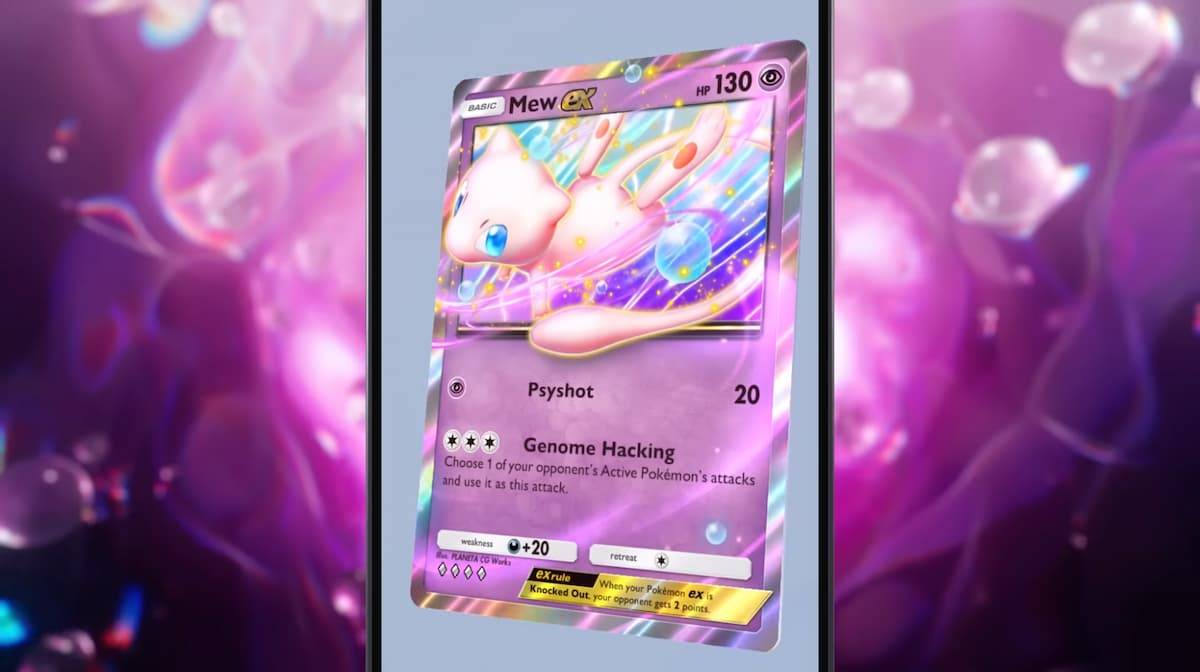
Pokémon TCG Pocket, the popular mobile card game, occasionally encounters Error 102. This error, often accompanied by a code like 102-170-014, unexpectedly returns players to the home screen. The most common cause is server overload, frequently occurring during the release of major expansion packs.
However, if you encounter this error outside of a new pack launch, consider these troubleshooting steps:
- Restart the App: Completely close and restart the Pokémon TCG Pocket application on your mobile device. A hard restart might resolve the issue.
- Check Your Internet Connection: Ensure a stable internet connection. If your Wi-Fi is unreliable, switch to a more stable connection, such as 5G.
If the error persists during a new expansion pack release, server congestion is the likely culprit. Patience is key; the issue usually resolves within the first day.
For further Pokémon TCG Pocket tips, strategies, and resources, including deck tier lists, be sure to check The Escapist.