Ready to relive your 2024 Twitch adventures? Year-end recaps are here, and your Twitch Recap is waiting! This guide shows you how to access and share (or hide!) your personalized Twitch summary.
Accessing Your 2024 Twitch Recap
Follow these simple steps to find your Twitch recap:
-
Visit the Twitch Recap Website: Go to Twitch.tv/annual-recap.
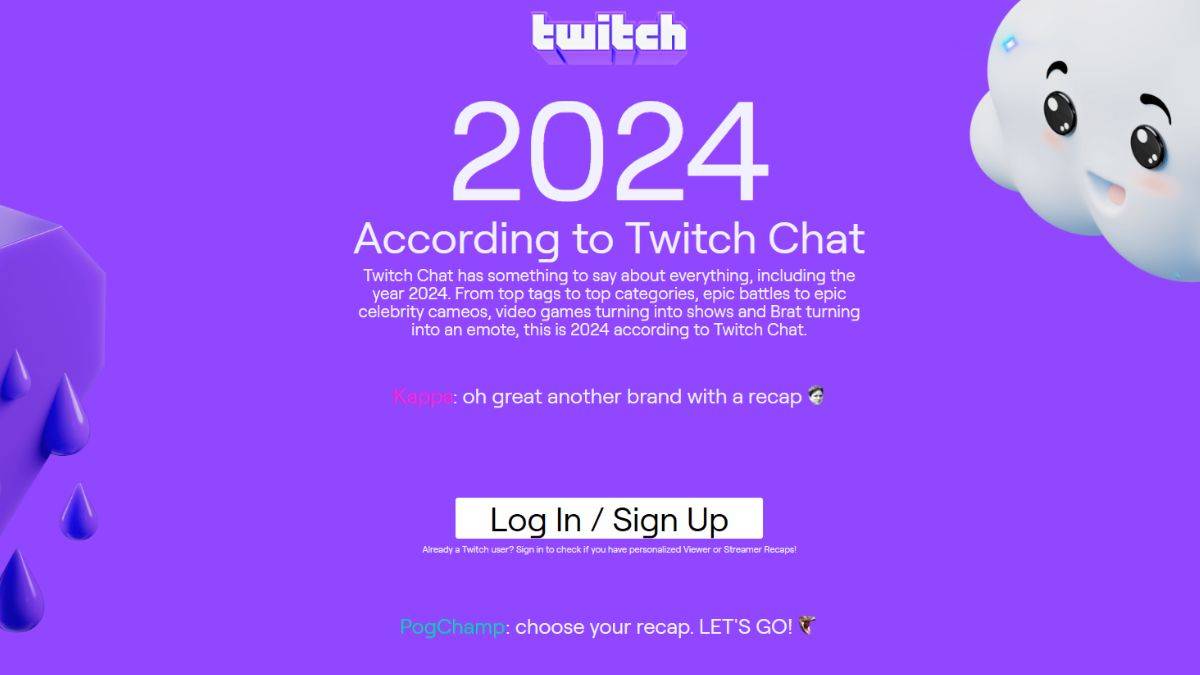
Screenshot by The Escapist -
Log In: Log in to your Twitch account using your credentials.
-
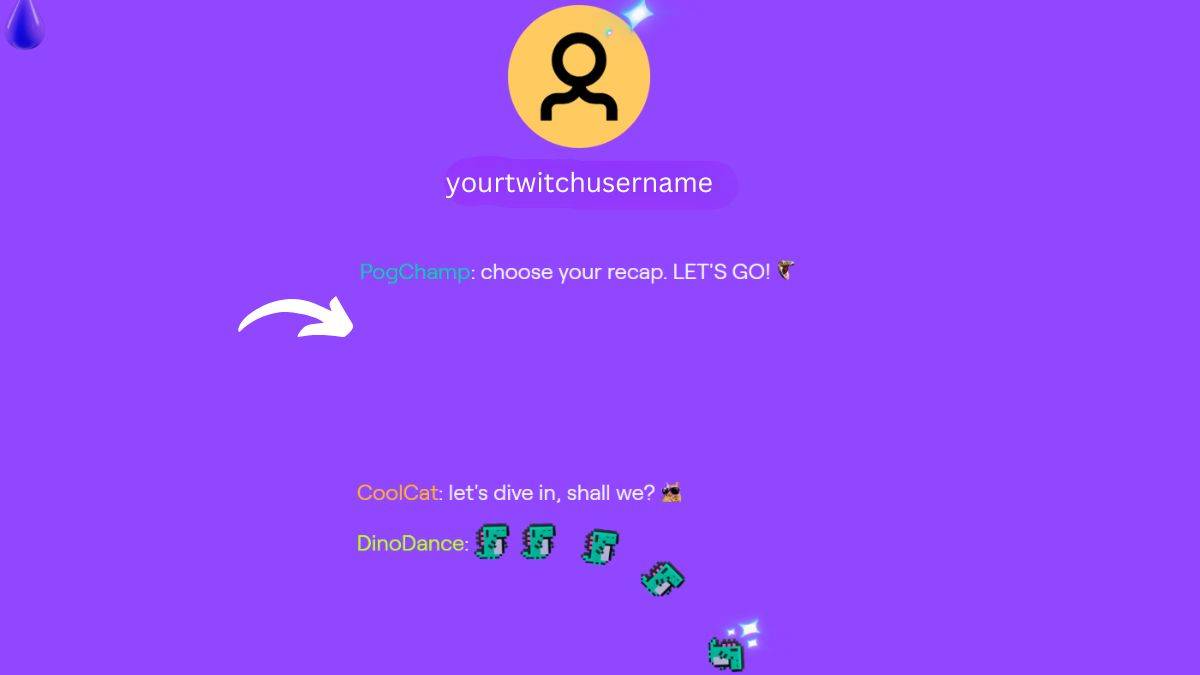
Choose Your Recap: You'll be prompted to select either a Viewer Recap or a Creator Recap (if you meet the minimum requirements as a streamer).
-
Explore Your Recap: Once selected, explore your personalized data, including top watched categories, favorite streamers, and total viewing hours. It's just like Spotify Wrapped, but for Twitch!
Why Is My Twitch Recap Missing?
If you don't see a personalized recap option, it's likely because you didn't meet the minimum viewing or streaming requirements.
To qualify for a personalized recap, you need to have watched at least 10 hours of streams, or, if you're a creator, streamed at least 10 hours of content in 2024. If you fall short, you'll see a community recap featuring overall Twitch trends. Even without a personal recap, this community overview is worth checking out to see the year's top games and trends.
So, did you make the cut? Even if your 2024 Twitch recap is a bit underwhelming, the overall Twitch recap provides fascinating insights into popular games and streaming trends—like Fields of Mistria, Pokemon, and anime, to name a few. Check it out!