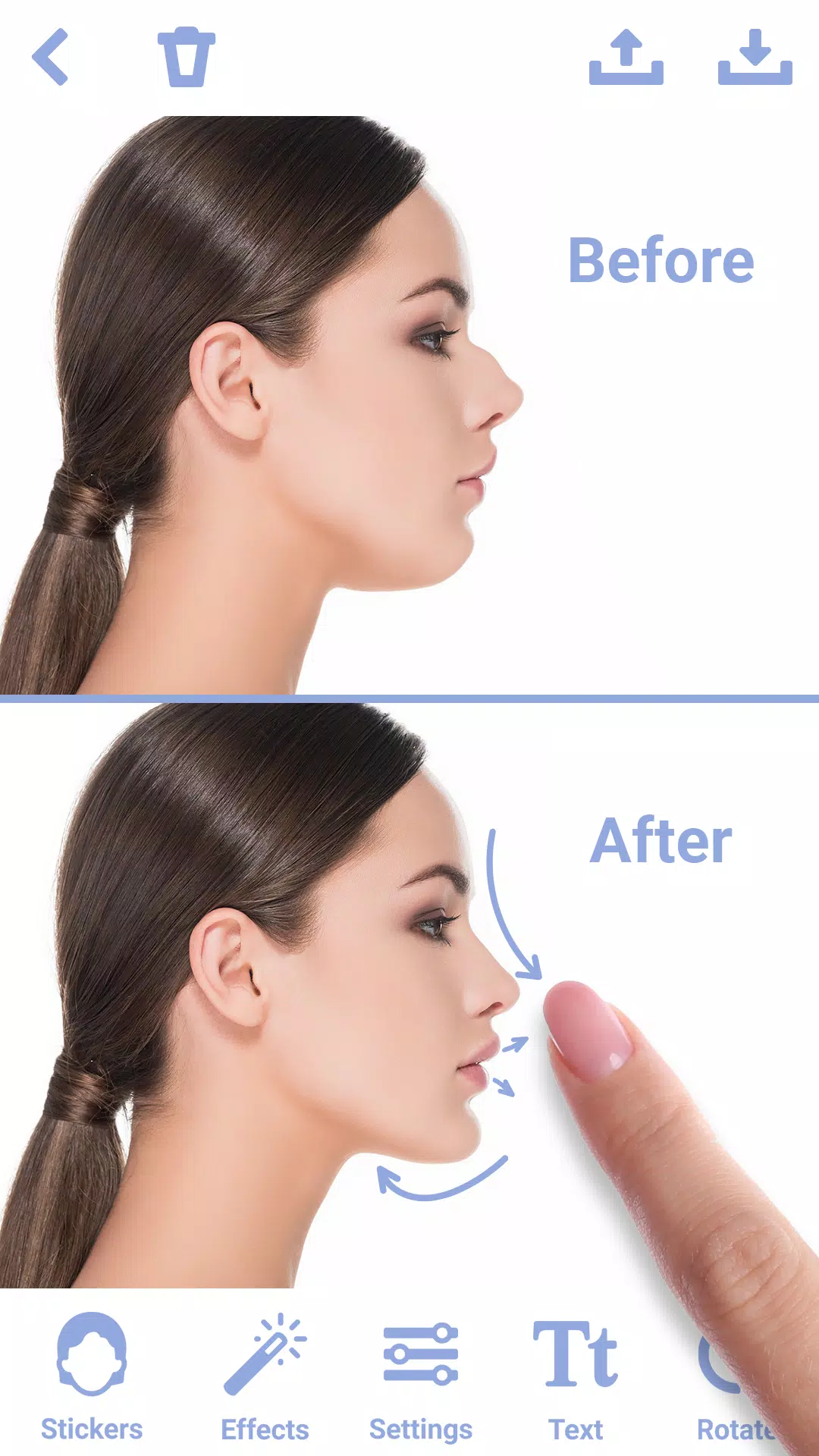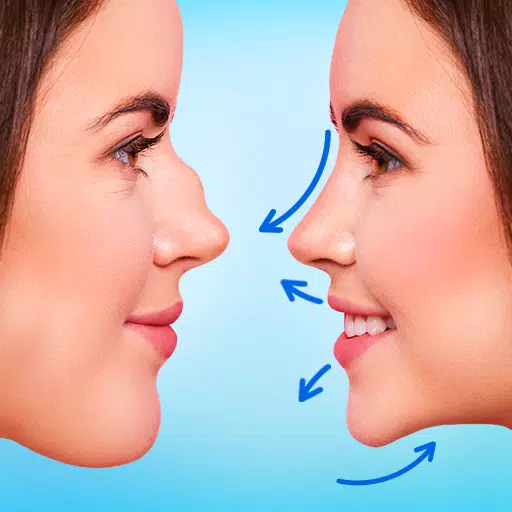
Nose photo editor: apply face filters and stickers for a virtual nose job with this powerful face editor.
Redefine your appearance effortlessly with the nose photo editor "Rhinoplasty App: Nose Editor". Use face filters and stickers to simulate the perfect nose job. This intuitive face editor is designed to help you achieve your ideal nose shape in just a few taps, making it an essential tool for virtual cosmetic enhancement.
KEY FEATURES:
1. Realistic Nose Shape Changer
➤Precision Tools: Easily adjust the size, shape, and contour of your nose using stickers and editing tools in this nose photo editor.
➤This face editor app allows you to apply face filters for a natural, seamless nose job simulation.
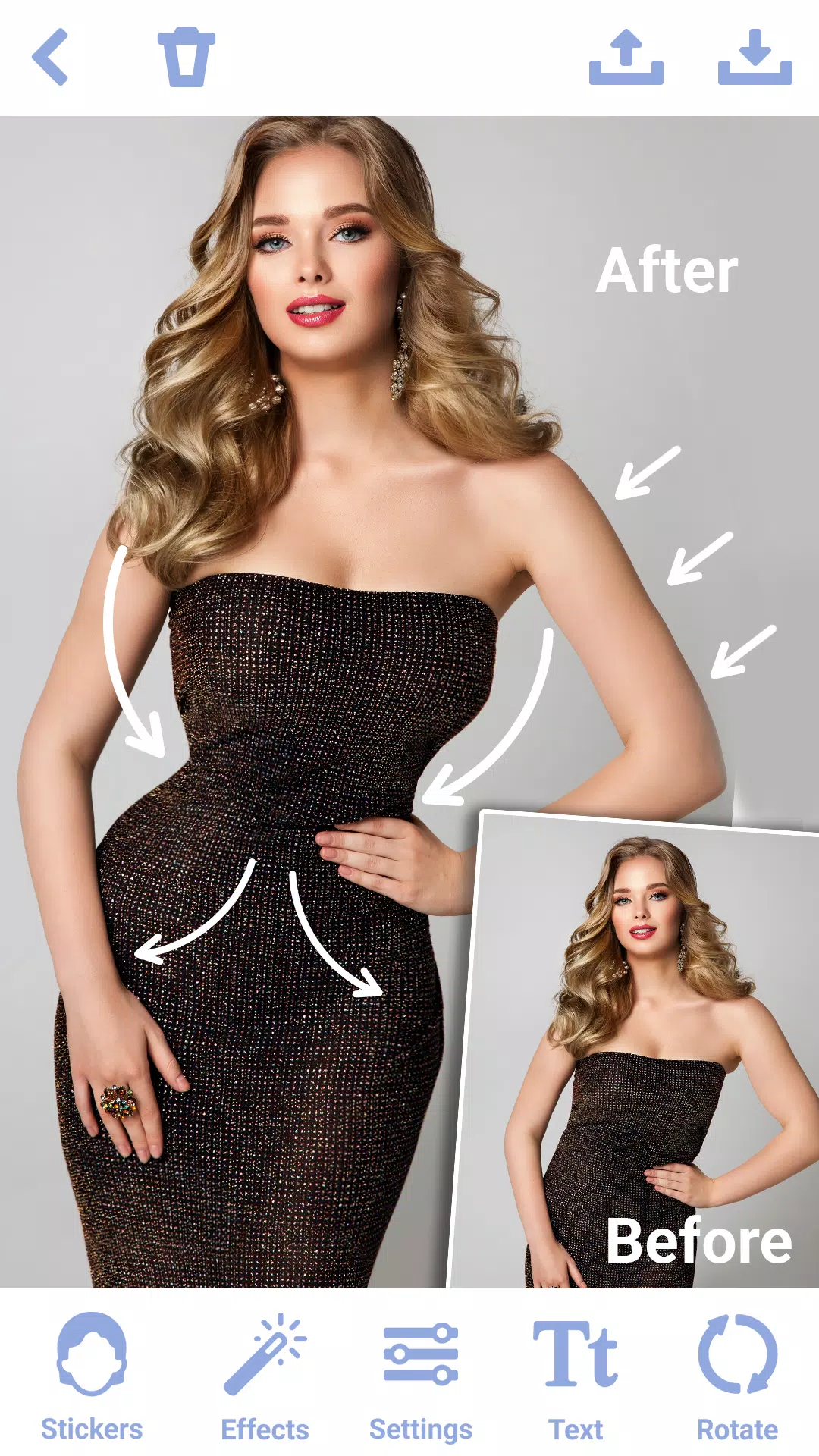
➤Symmetry Adjustment: Correct asymmetrical features to achieve a balanced and harmonious facial look with the photo editor "Rhinoplasty: Nose Editor".
2. Easy-to-Use Interface
➤Intuitive Controls: The nose shape changer features a user-friendly interface, making virtual photo surgery simple for everyone, regardless of skill level.
3. Advanced Editing Options
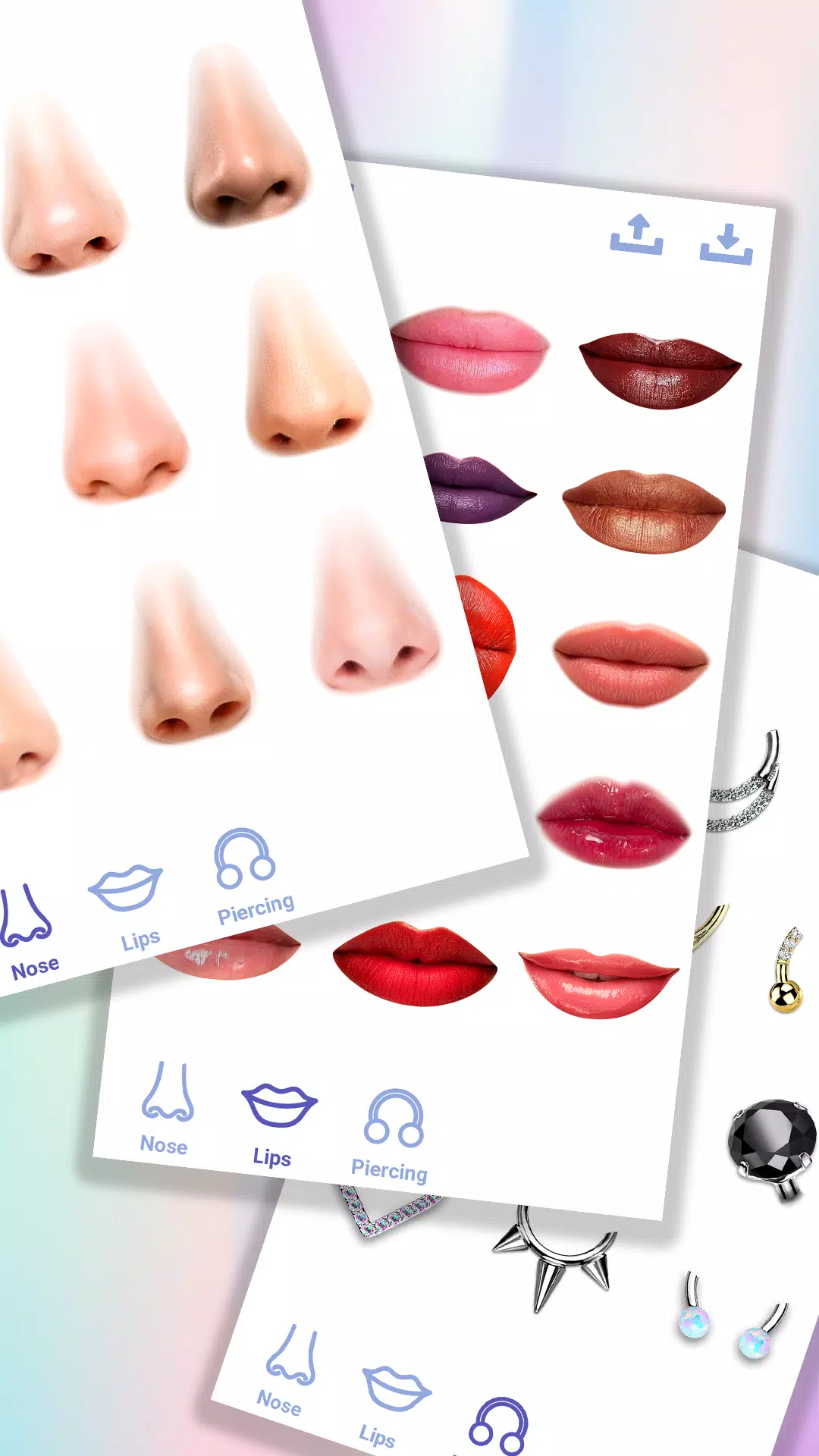
➤Multiple Nose Shape Variants: The face editor app provides a variety of preset nose templates. Experiment with the nose shape changer to preview different looks before fine-tuning.
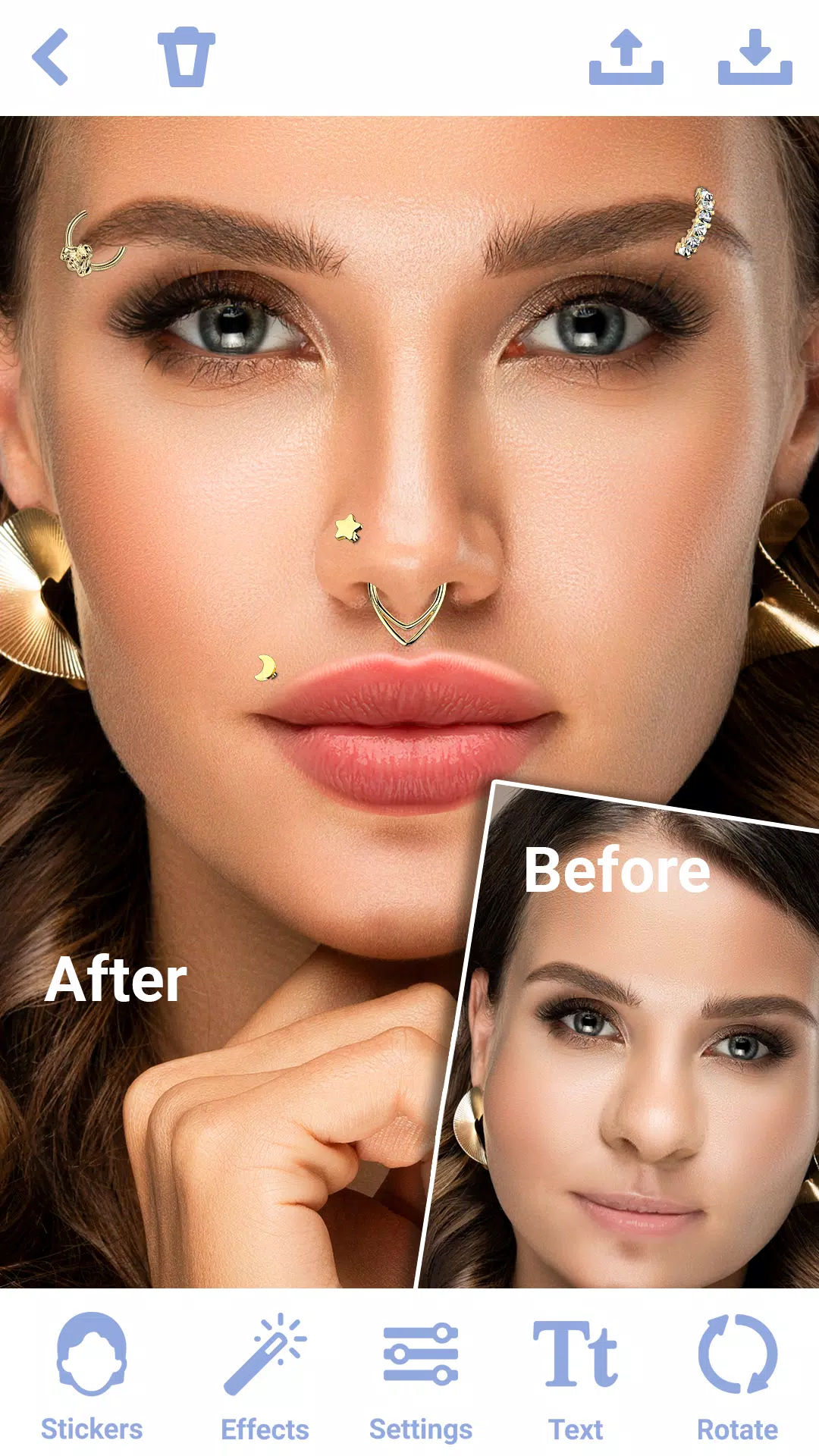
➤Variety of Stickers: Explore diverse face stickers to create the perfect simulated nose job with the photo editor "Rhinoplasty: Nose Editor".
➤Zoom and Pan: Magnify specific areas for detailed adjustments while applying stickers and face filters.
4. Sharing in High-Resolution
➤High-Resolution Output: Export your edited nose photos in crystal-clear high resolution. Create high-quality virtual plastic surgery results.
➤Save and Share: Save your creations in the nose shape changer. Share your rhinoplasty simulations with friends and family.
➤No Watermarks: The photo editor "Rhinoplasty: Nose Editor" lets you save and share photos completely free of watermarks.
TIPS FOR BEST RESULTS:
➢Use High-Quality Photos: Start with clear, high-resolution photos for optimal nose job results using the nose editor.
➢Natural Lighting: Ensure your photo has good, natural lighting to make virtual plastic surgery edits more realistic.
➢Take Your Time: Explore stickers and face filters carefully to select the perfect nose shape for your facial structure.
➢Explore Features: Try all the tools, face filters, and stickers the nose editor offers to maximize your editing experience.
➢Use Stickers: Enhance your photos by adding fun or aesthetic stickers for the nose job available in the face editor app.
WHY CHOOSE THE NOSE PHOTO EDITOR?
Whether you seek subtle refinements or a dramatic transformation, Rhinoplasty: Nose Editor provides stickers, face filters, and editing tools in one user-friendly app. This nose photo editor is perfect for personal virtual cosmetic exploration. The nose shape changer empowers you to create stunning, natural-looking photos with ease.
Transform your selfies and portraits today with the photo editor "Rhinoplasty: Nose Editor" – your ultimate nose shape changer for flawless virtual nose jobs and photo enhancement. Download the photo editor "Rhinoplasty: Nose Editor" and see the difference with face filters and stickers! Achieve your perfect nose in this powerful face editor app.