
Control and access your Hyundai vehicle right from your compatible Android device.
Meet the Hyundai Digital Key! This feature lets you conveniently access and operate your Digital Key enabled vehicle using your smartphone. You can also create, share, and manage digital keys to grant vehicle access to family or friends. With Hyundai Digital Key, you can:
Lock, unlock, and start your Hyundai (NFC required)
Simply tap your smartphone on the door handle to lock or unlock your car. When you're ready to go, just place the phone on the wireless charging pad to start your vehicle.
Control your vehicle remotely via Bluetooth
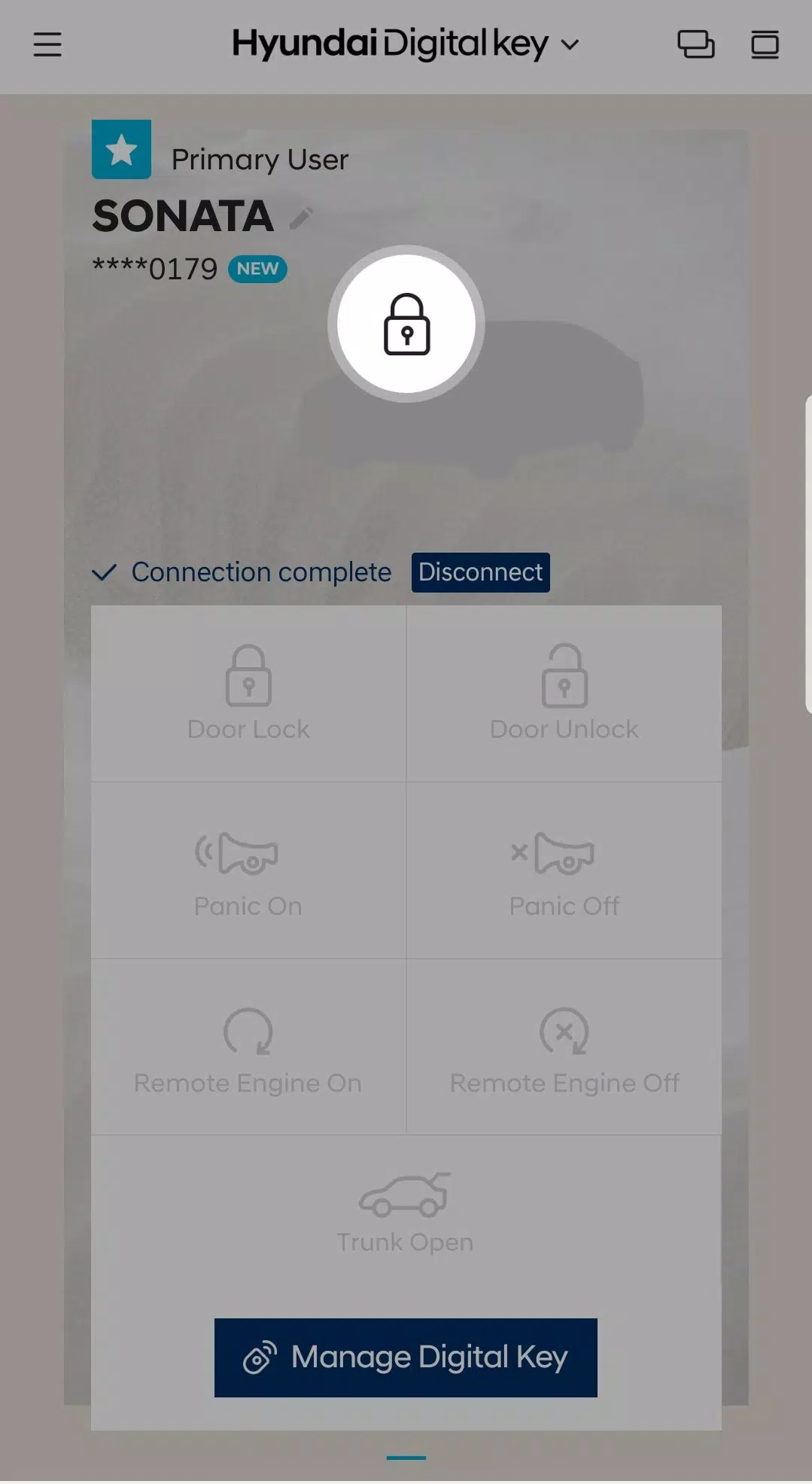
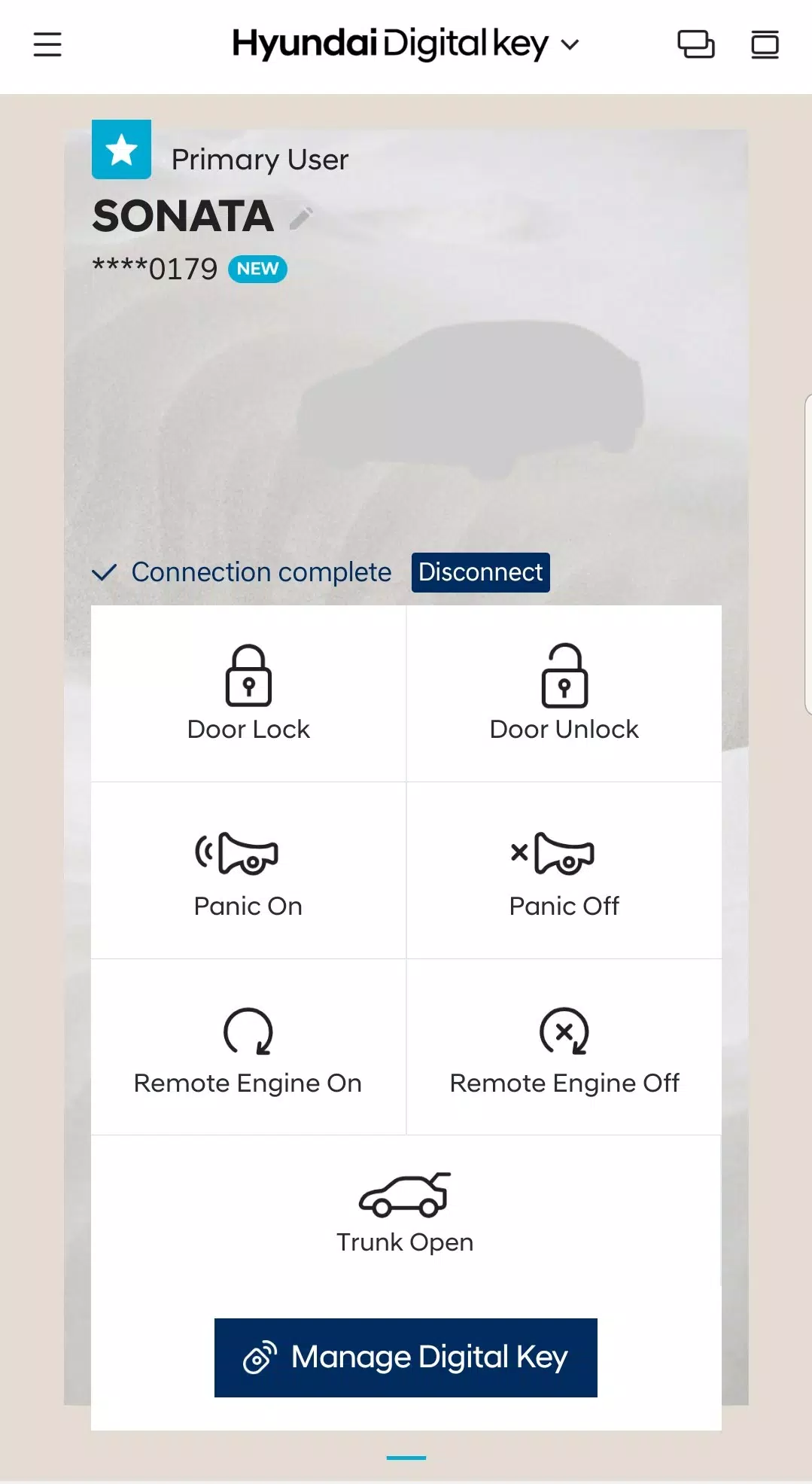
Hyundai Digital Key enables remote control of your vehicle from a distance using Bluetooth. Use the app to remotely start or stop the engine, lock or unlock doors, activate panic mode, or open the trunk.
Share and manage digital keys
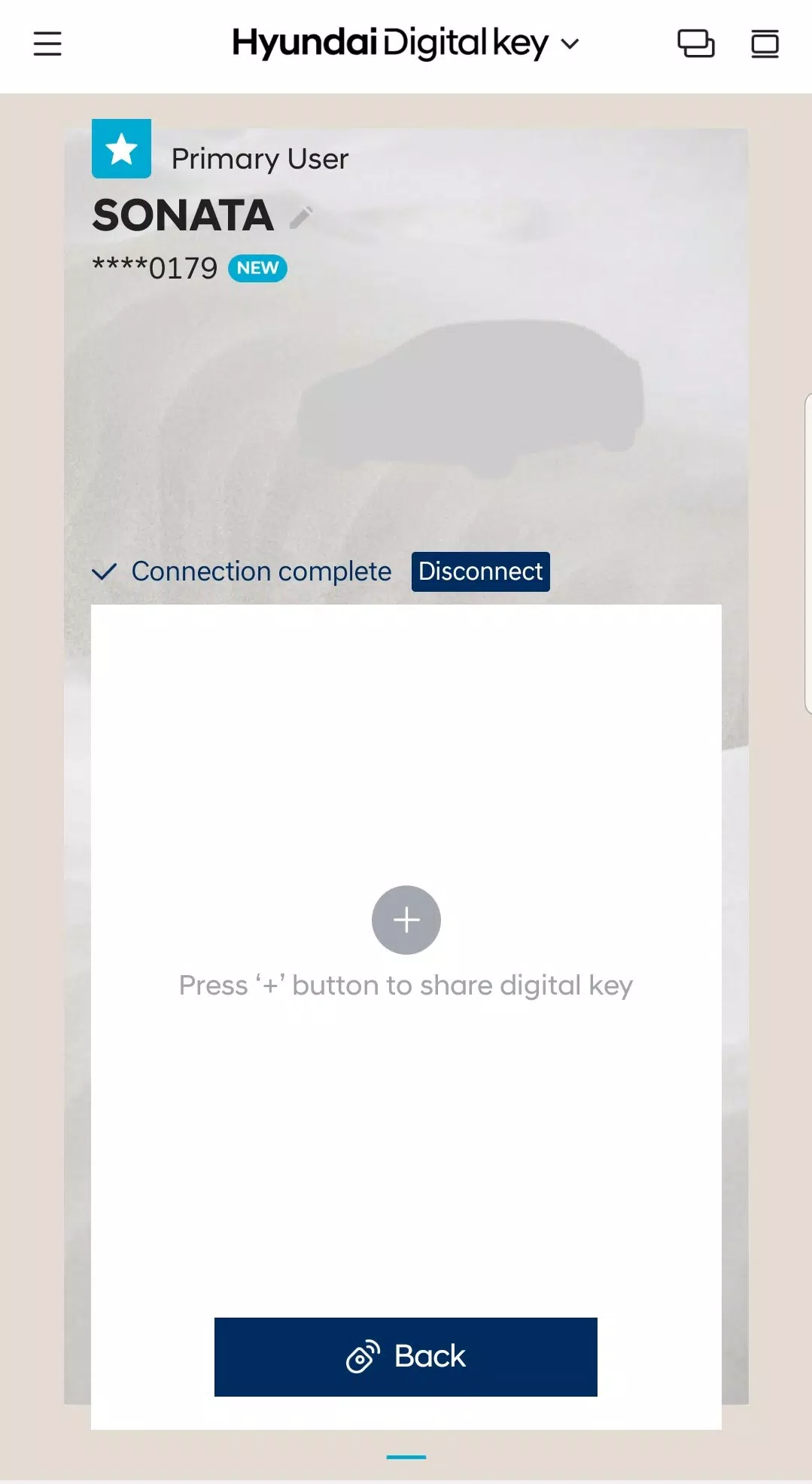
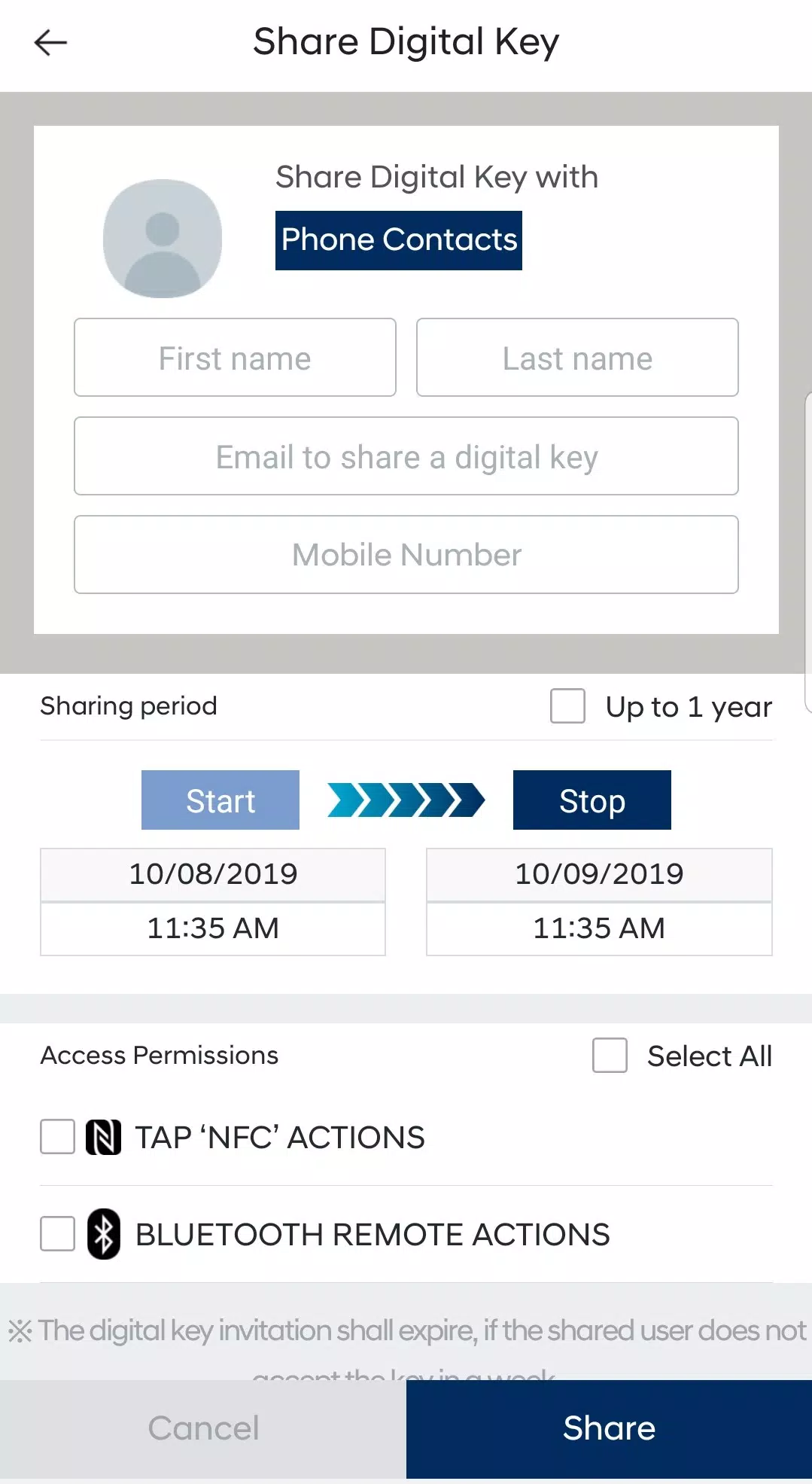
Easily create and send a digital key when you want to allow someone access to your vehicle. Once the invitation is accepted, they can use the Hyundai Digital Key app to access and control the vehicle according to your set permissions and time limits. You can also pause your own digital keys or remove shared keys through the app or on MyHyundai.com.
What's New in Version 1.0.28.1
Last updated on Jul 27, 2024
Minor bug fixes and improvements. Install or update to the latest version to see what's new!