
Grid Drawing for Artists: Customize and overlay precise grids on any image with extensive options.
GridArt: The Essential Tool for Artists to Master Proportions and Precision!
Welcome to GridArt!
Whether you're a budding artist or an experienced professional, GridArt is your go-to tool for refining your drawing skills and producing amazing art. Our app simplifies the grid drawing technique, offering clear, customizable overlays for your images so you can easily transfer them to canvas or paper with confidence.
What is the Grid Drawing Method?
The grid drawing method is a time-tested approach that improves drawing accuracy and proportions. By dividing both your reference image and drawing surface into equally spaced squares, you can concentrate on one section at a time, capturing intricate details while maintaining the correct overall structure.
Why Choose GridArt: Grid Drawing for Artists?
For generations, the grid method has enabled artists to simplify complex images. GridArt elevates this classic approach with contemporary features and extensive customization, so it adapts to your specific art style and project requirements.
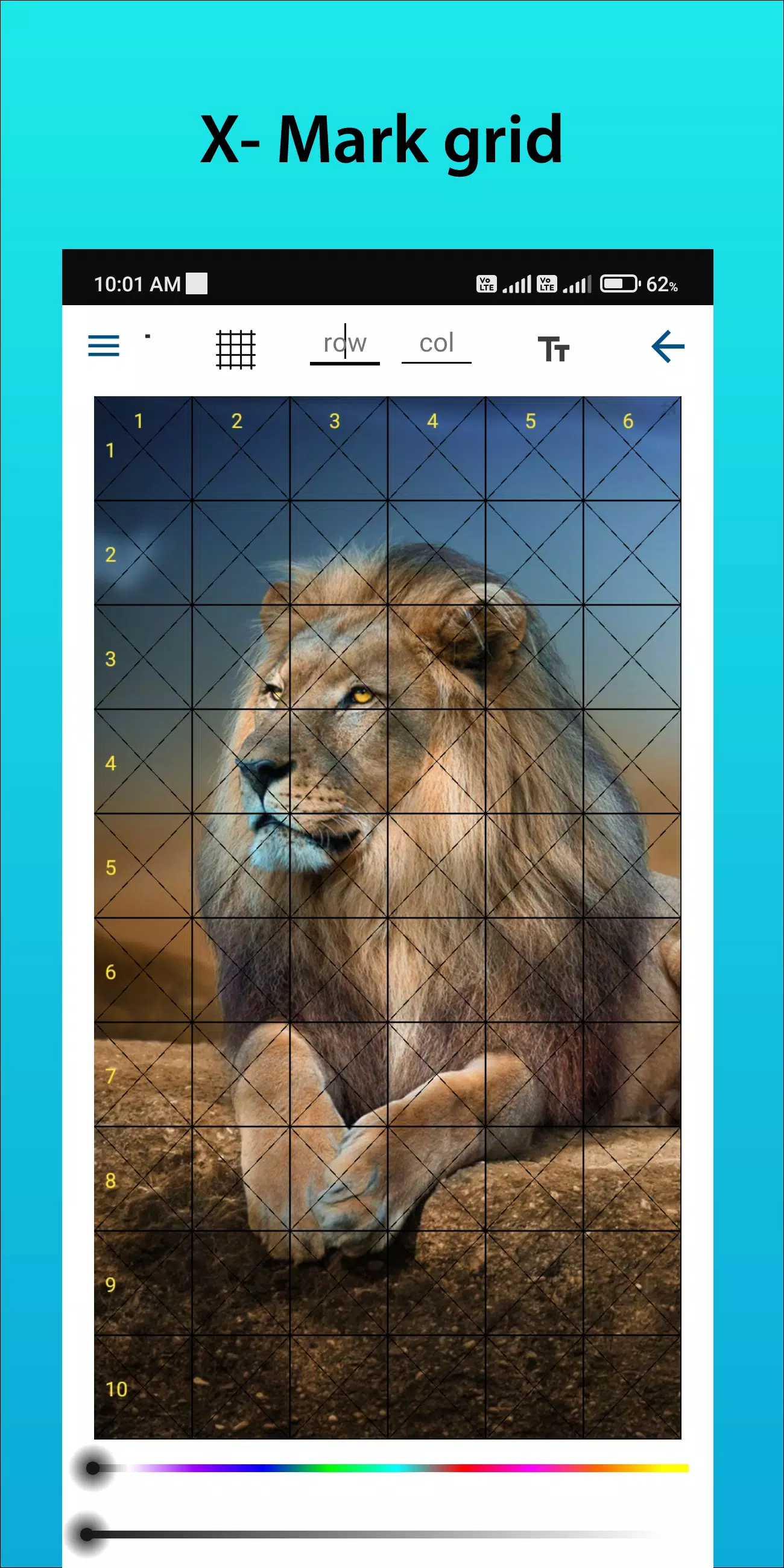
Customizable Grids: Pick the exact number of rows and columns, modify line thickness and color, and even include diagonal lines as additional guides.
Intuitive Interface: Effortlessly upload images, personalize your grid layout, and save your projects using our easy-to-navigate design.
High-Resolution Output: Save grid-overlay images in high resolution, ideal for printing and clear reference while you work.
How to Use GridArt
Here’s how to apply the grid drawing method:
Choose Your Reference Image: Pick the picture you wish to reproduce.
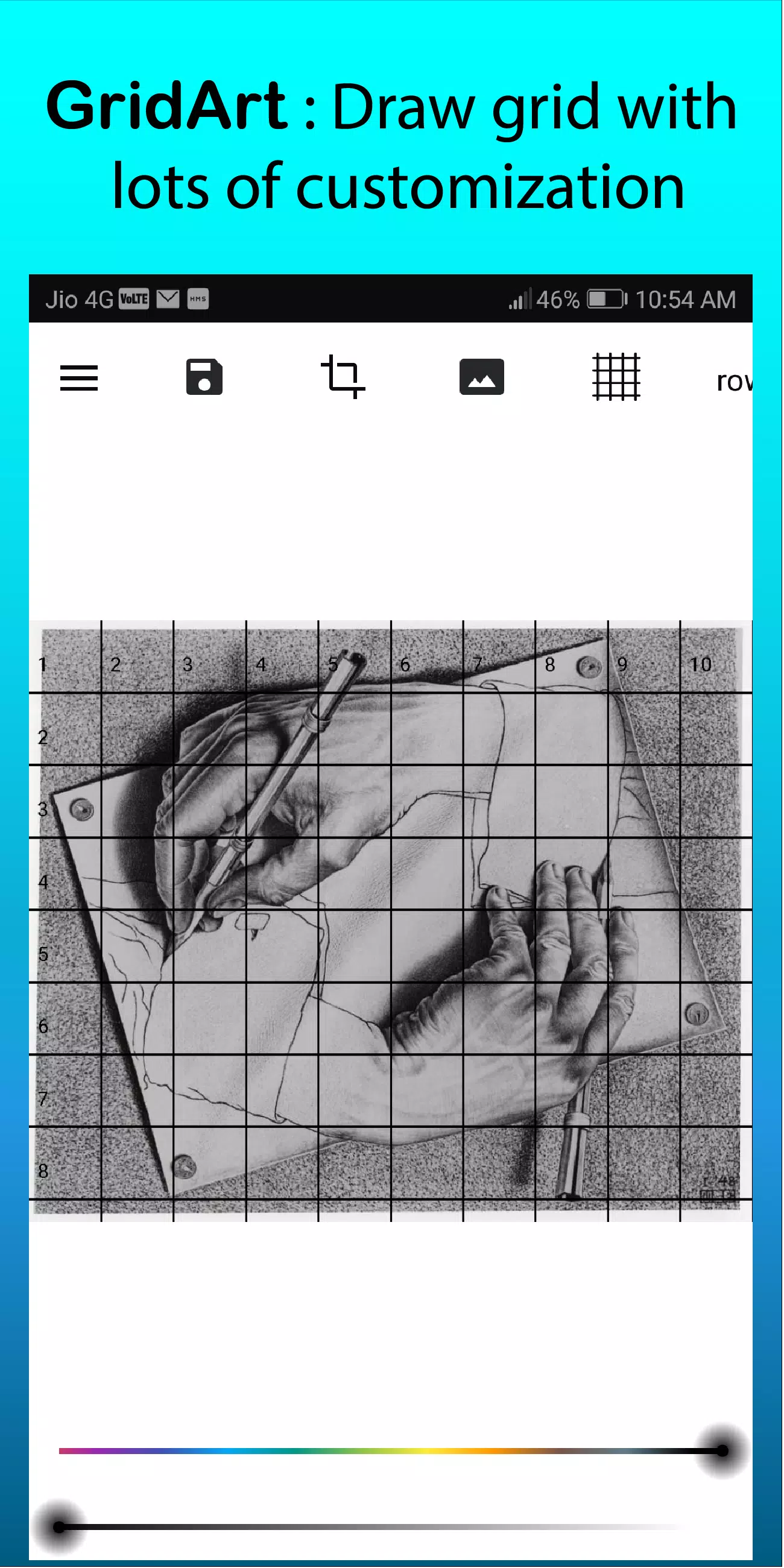
Overlay a Grid on the Image: Apply a grid of evenly spaced vertical and horizontal lines over your reference image. You can choose any square size, though common options include 1-inch or 1-centimeter squares.
Draw a Matching Grid: Mark the same grid onto your drawing surface, making sure it has the same number of squares as the reference, with matching proportions.
Transfer the Image Square by Square: Focus on one grid square at a time. Observe the details inside each square on your reference and carefully draw them into the corresponding square on your canvas or paper, preserving exact proportions and placement.
Erase the Grid (Optional): Once your drawing is finished, lightly erase any visible grid lines if desired.
Key Features of Grid Drawing
1. Overlay grids on any image; pick from your gallery and save for print.
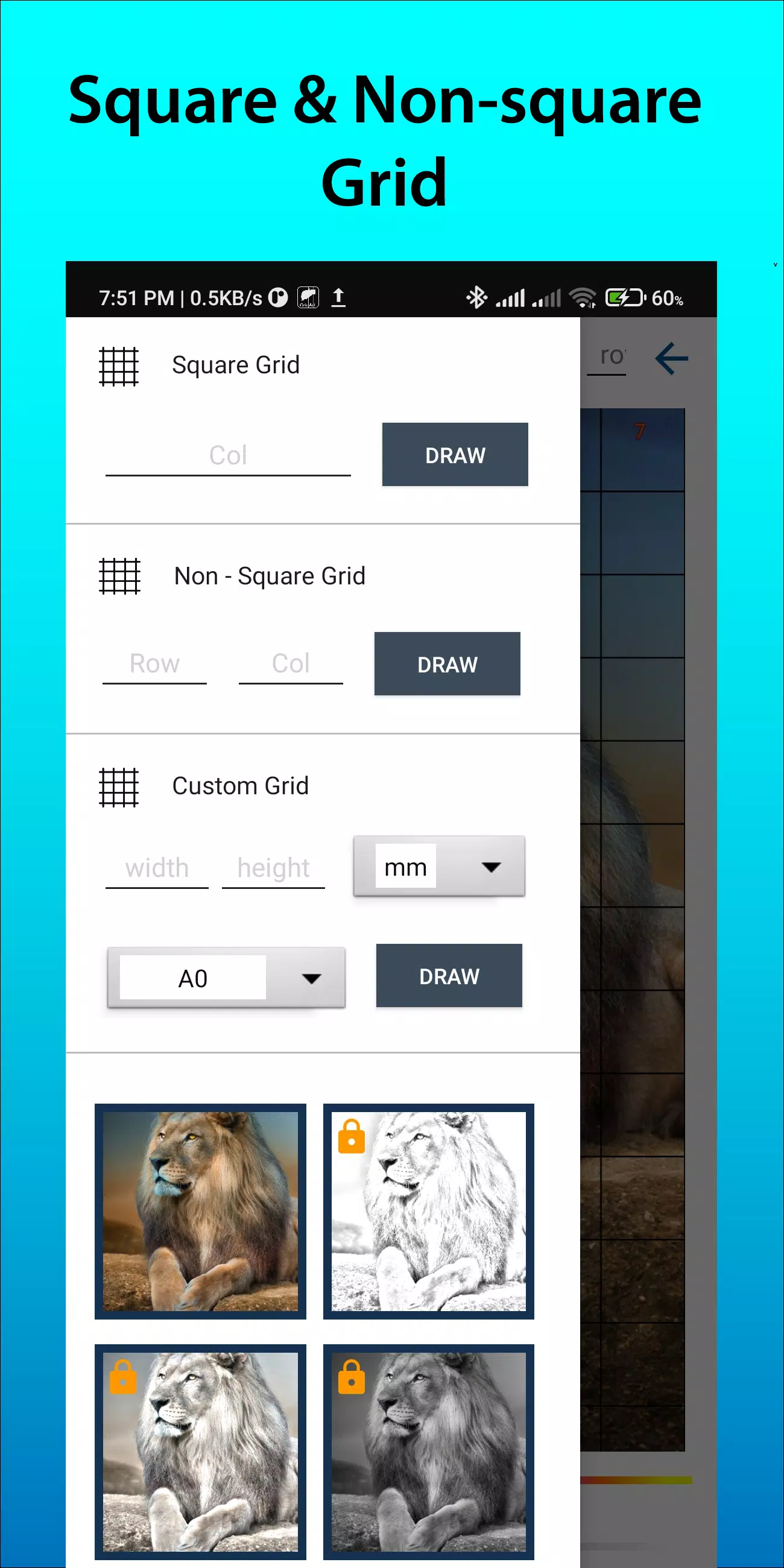
2. Choose from Square, Rectangle, or Custom grids with adjustable rows and columns.
3. Crop images to any aspect ratio, including A4, 16:9, 9:16, 4:3, 3:4, and more.
4. Toggle row/column and cell numbering, with control over text size.
5. Apply different grid labeling styles for easy navigation.
6. Select grid line style—solid or dashed—and adjust line thickness.
7. Modify grid line and label color and transparency.
8. Apply sketching filters to simplify outlines.
9. Use measurement units like mm, cm, or inches for precise grid drawing.
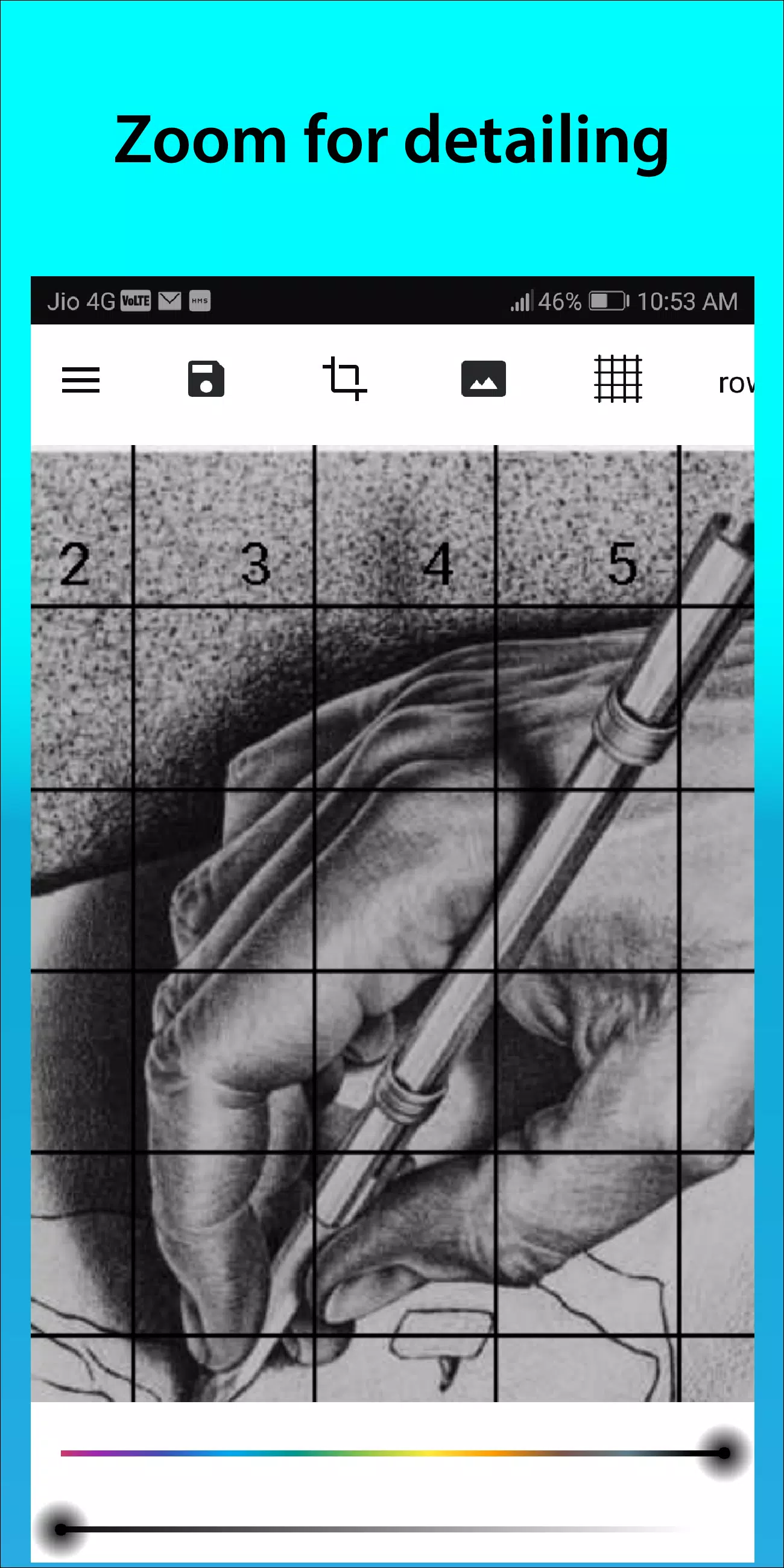
10. Zoom in to capture fine image details.
Follow us @gridArt_sketching_app on Instagram and reach out with questions or ideas. Share your work using #gridArt for a chance to be featured.
### What's New in Version 1.8.3
Last updated on Sep 14, 2024
# Screen lock feature added
GridArt
범주 : 예술 디자인
크기 : 16.5 MB
버전 : 1.8.3
개발자 : Technical Diet - GridArt
패키지 이름 : com.gridArt.drawing
업데이트 : Aug 05,2026
4.3
애플리케이션 설명
스크린샷
리뷰
댓글 게시





주요 뉴스
더
최신 앱
더


최근 뉴스
더
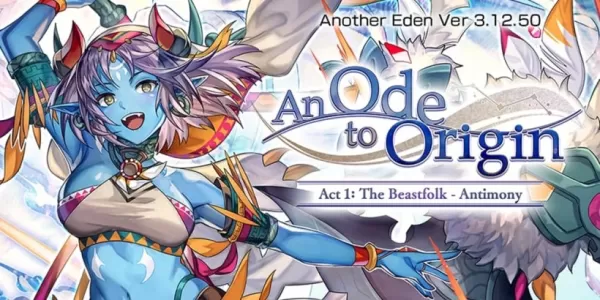
‘Another Eden: The Cat Beyond Time and Space’, 버전 3.12.50 ‘An Ode to Origin’ 업데이트
Neverness to Everness가 오늘 폐쇄 베타 사전 등록을 오픈했습니다! 컨테이너 테스트 참가 방법과 폐쇄 베타에서 기대할 수 있는 내용을 지금 확인하세요.NTE 컨테이너 테스트 사전 등록 지금 바로 시작모집 기간은 5월 15일부터Neverness to Everness(NTE)는 현재 폐쇄 베타 사전 등록을 받고 있습니다. 5월 15일, NTE 글로벌은 트위터(X)를 통해 컨테이너 테스트 등록이 UTC+8 기준 오후 10시부터 시작된
데스 스트랜딩 2의 크리에이터 히데오 코지마는 출시 후 게임의 내러티브를 변경할 수 있는 스토리 DLC보다 품질 개선(QoL) 업데이트에 집중하는 것을 선호하며, 이는 스타워즈에서 취해진 접근 방식과 유사합니다. 이에 대한 그의 견해와 OD 및 피진트(Physint)에 대한 업데이트 내용은 아래에서 계속 확인하세요.히데오 코지마, 데스 스트랜딩 2의 스토리 DLC 피하다품질 개선(QoL) 강화 우선순위히데오 코지마는 출시 후 게임의 스토리 확장
Woot는 아마존의 자회사로, 블랙 프라이데이 직전 인상적인 OLED TV 특가 행사를 출시했습니다. 65인치 삼성 S90D 4K OLED 스마트 TV를 단 1,079.99달러에 구매할 수 있습니다. 77인치 모델은 1,497.99달러로 가격이 더욱 좋습니다. 두 제품 모두 배송비는 단 5달러이며, 아마존 프라임 회원은 무료 배송 혜택을 누릴 수 있습니다. 이 제품들은 소매 포장 상태의 새 제품이며, 1년 삼성 보증이 제공됩니다. 삼성의 최고급
인기 앱