Facing the dreaded "Can't Connect to Host" error in Ready or Not? It's a frustrating experience, but thankfully, there are several troubleshooting steps you can take. This error typically points to a problem preventing your connection to the game's servers, stemming from various sources like internet connectivity issues, corrupted game files, version mismatches, or interfering background applications.
What Causes the "Can't Connect to Host" Error in Ready or Not?
The root cause of this error can be tricky to pinpoint, but common culprits include poor internet connection, corrupted game files, inconsistencies in game versions, and conflicting background processes. Let's explore how to tackle these possibilities.
How to Fix the "Can't Connect to Host" Error in Ready or Not
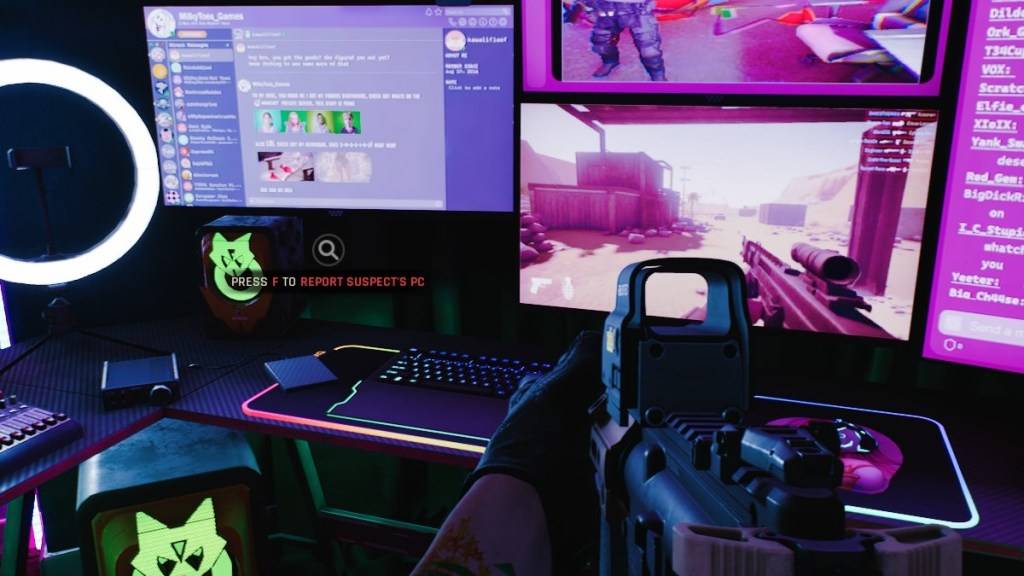
Here's a breakdown of solutions to try, starting with the simplest:
- Restart Your Game and/or Steam: A simple restart often resolves temporary glitches. Try restarting Ready or Not and even your Steam client.
- Verify Game Files: Corrupted game files are a common cause. In Steam, go to your Library, right-click Ready or Not, select "Properties," then "Local Files," and finally "Verify Integrity of Game Files." This process will automatically scan and repair any damaged files.
- Add Ready or Not to Firewall Exceptions: While uncommon, firewall restrictions can sometimes interfere. Add the game as an exception in your Windows Defender Firewall (Control Panel > System and Security > Windows Defender Firewall > Allowed apps). Navigate to the game's installation directory to locate the executable file for addition.
- Close VPNs and Unnecessary Background Apps: VPNs can sometimes create connectivity issues. Disable your VPN while playing. Additionally, close any applications not essential to your gaming session, as they may compete for resources.
- Try Different DirectX Modes (Launch Options): If you're using launch options, experiment with different DirectX modes (e.g., DX11, DX12) to see if one resolves the issue.
- Reinstall the Game: As a last resort, uninstall Ready or Not through Steam. Then, manually delete any remaining game files from your computer, including those in the Local AppData folder (%localappdata% in Windows search). Reinstall the game from Steam.
The "Can't Connect to Host" error is undeniably frustrating, but hopefully, these steps will get you back in the action. Good luck!
Ready or Not is available now for PC.