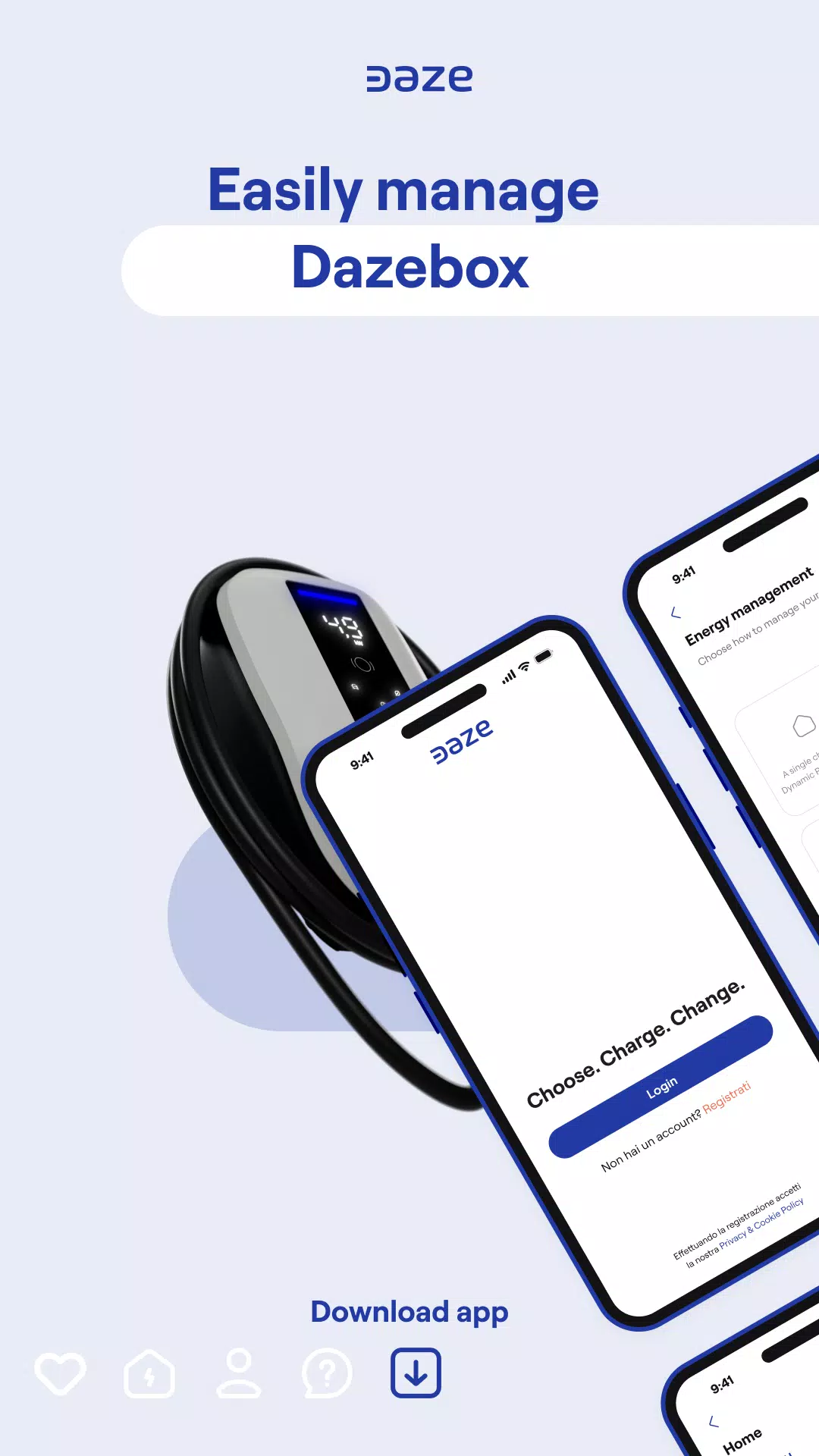
Control your DazeTechnology wallbox using the official DAZE application
CONNECT YOUR WALLBOX
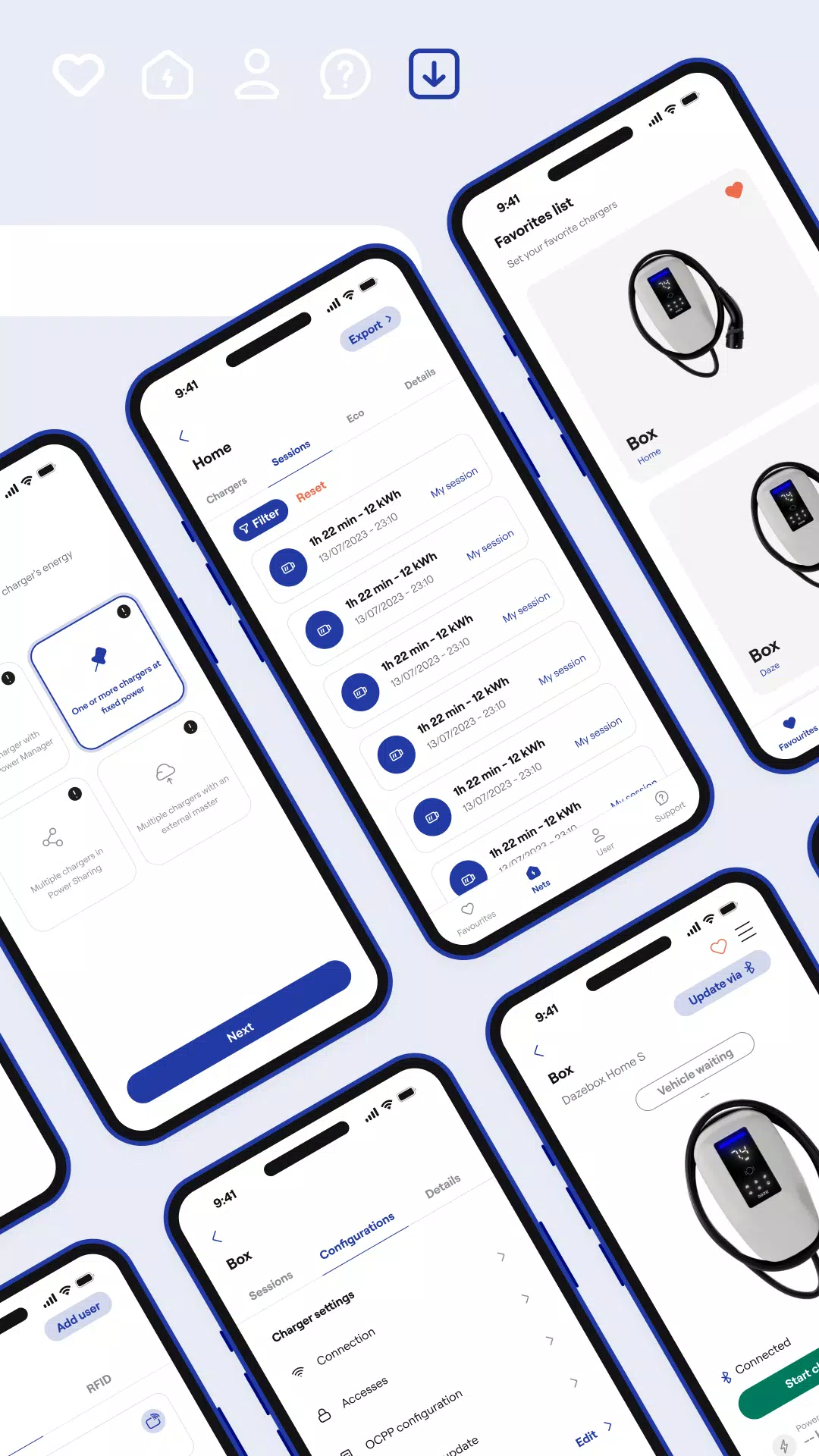
Scan the QR code on your DazeBox C or DazeBox Home to quickly link your wallbox with the app and unlock additional functionality. Handle all connected wallboxes right from the app's home screen.
INCLUDE AND MANAGE USERS
Control charging access for your wallbox network by adding users and assigning either charging privileges or network administration rights according to your requirements.
ORGANIZE YOUR CHARGER NETWORK
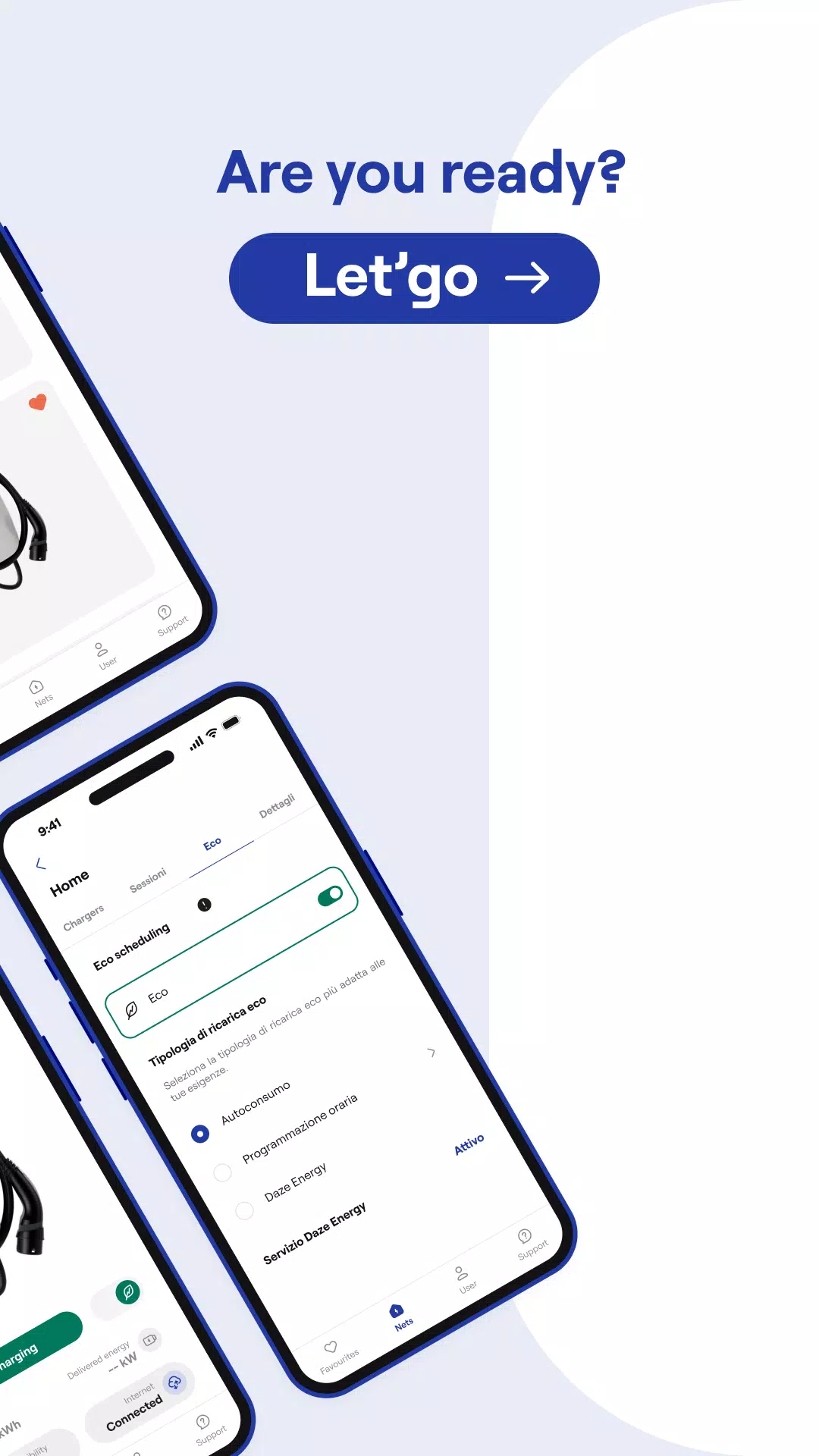
Effectively group your wallboxes into Networks and intelligently distribute energy consumption across all charging units based on your facility's electrical setup. Mark frequently used wallboxes as favorites for easier access.
CONTROL POWER DISTRIBUTION
Configure your wallbox's maximum charging capacity in just a few taps. Alternatively, enable Dynamic Power Management to automatically charge your vehicle at your system's highest available power level.
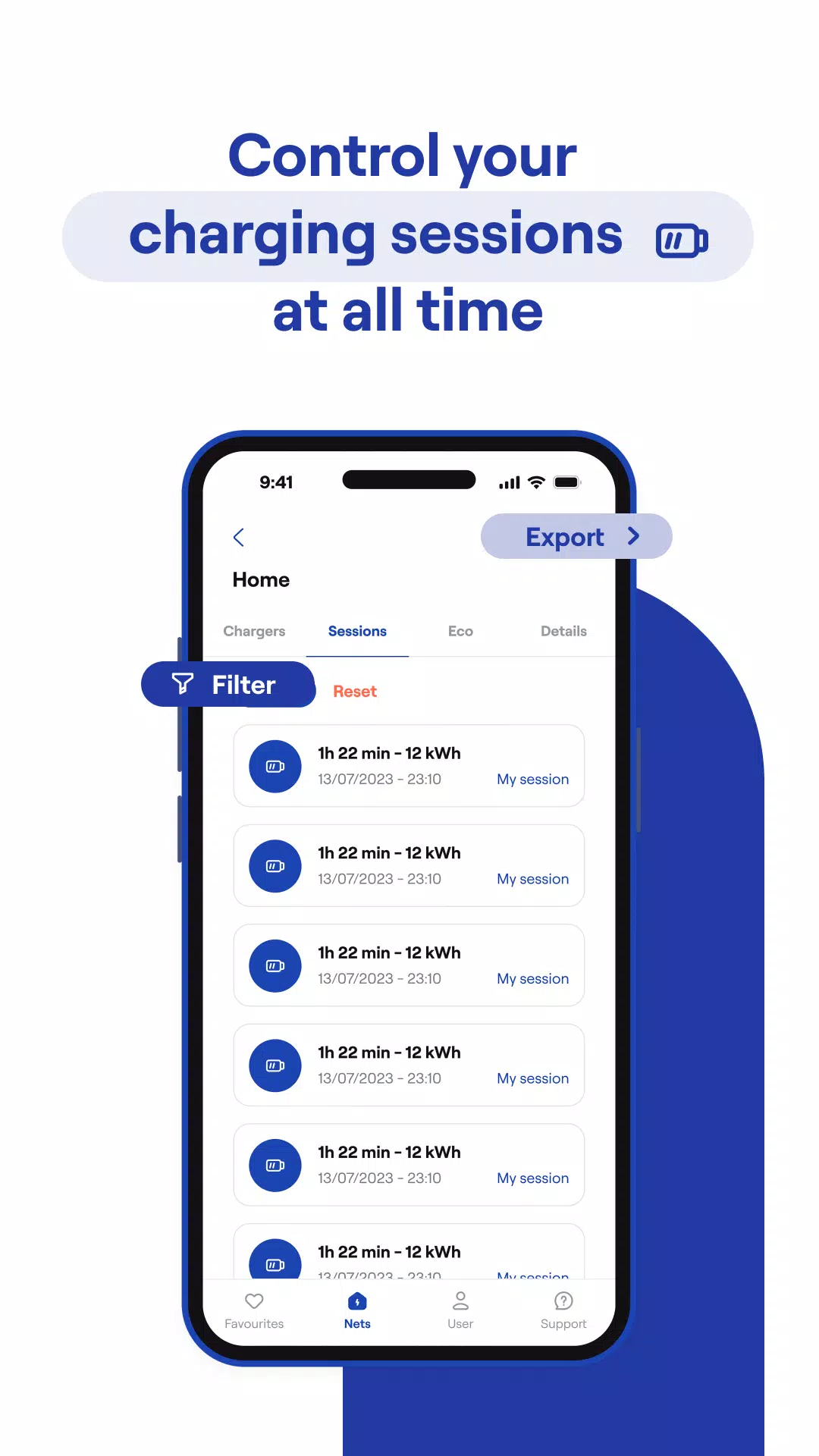
MONITOR CHARGING SESSIONS
Review complete charging session details, including live power consumption statistics and information about users who utilized your wallboxes.
KEEP YOUR SYSTEM CURRENT
Update your wallbox's firmware directly through the dedicated update feature within the application.
MONITOR CHARGING SESSIONS
Review complete charging session details, including live power consumption statistics and information about users who utilized your wallboxes.
Latest Features in Version 7.0.1
Previous update on October 10, 2024
Various bug resolutions and performance enhancements. Download or upgrade to the latest version to experience the improvements!